11 AI SEO Tools in 2026 (What Each Is Best For)
TLDR: No single AI SEO tool covers the whole workflow. Search Atlas automates on-page execution; DashThis reports SEO results to clients and now answers questions about them directly inside Claude and ChatGPT; Surfer and Clearscope optimise content for both Google and AI answers; Semrush and Ahrefs bolt AI visibility tracking onto mature SEO suites; SE Ranking offers the same at a lower price point; AirOps runs content production at scale, and more. Prioritize tools that show you what AI engines actually cite, not just where you rank.
Some of the top AI SEO tools in 2026 include:
| AI SEO tool | Free trial | Pricing from | Best for |
|---|---|---|---|
| Search Atlas | 7 days | $99/mth | Automating on-page and technical SEO execution |
| DashThis | 14 days | $44/mth (annual) | Agencies reporting SEO results across clients and channels |
| Surfer SEO | No | $49/mth (annual) | Optimising content for AI Overviews and Google together |
| Clearscope | 14 days | $129/mth | In-house editorial teams who need consistent content quality |
| Semrush | 7 days | $139/mth | Teams who want AI visibility inside a full SEO suite |
| Ahrefs | No (free tier) | $29/mth | Backlink depth and AI citation research |
| SE Ranking | 14 days | $129/mth ($103.20 annual) | Agencies who need AI search tracking on a budget |
| AirOps | 14 days | Not published | High-volume content production and refresh programs |
| DataForSEO | Free sandbox | $50 deposit | Developers building custom AI SEO tooling |
| Indexly | Not stated | $99/mth | Getting new pages discovered by search and AI engines fast |
| Birdeye | 30 days (Social AI) | Custom quote | Multi-location brands competing in AI local search |
All prices verified against vendor pricing pages in September 2026. Where a vendor publishes only an annual rate, that is noted.
Something changed in SEO over the last eighteen months, and most reporting hasn't caught up.
You can hold position one and watch your clicks fall off a cliff. You can improve your ranking and lose traffic at the same time. The old scoreboard, position and impressions and clicks, no longer explains what's happening, because a growing share of searches now end inside an AI answer that never sends anyone to your site.
That shift has produced two genuinely different categories of tool. Some help you earn AI visibility by shaping content and technical signals. Others help you measure it, tracking whether ChatGPT, Perplexity, Gemini, or Google's AI Overviews mention you at all.
Most teams need one of each. Today we break down what each AI SEO tool is actually best at, so you can build a stack instead of buying a suite.
1. Automating on-page and technical SEO execution: Search Atlas
Pricing: 7-day free trial with paid plans from $99/month (Starter), $199 (Growth), $399 (Pro), and $999 (Agency).
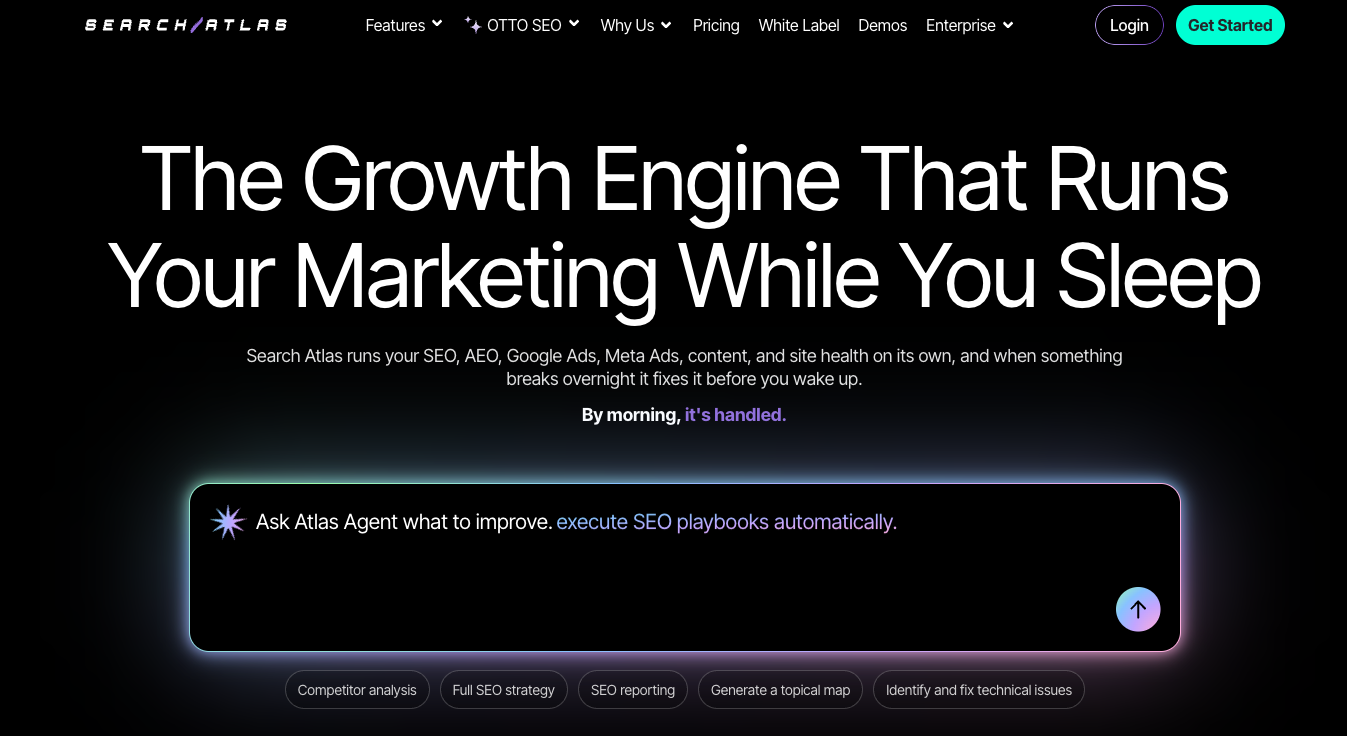
Search Atlas is the most execution-focused platform on this list. Its flagship feature, OTTO SEO, doesn't just flag technical problems, it deploys the fixes.
Schema markup, meta tags, internal links, alt text, and broken links get implemented automatically once you connect the site. For teams sitting on a backlog of recommendations nobody has had time to ship, that distinction matters more than another audit report.
The platform also bundles Content Genius for AI writing, local SEO tools, and LLM visibility tracking, which replaces what would otherwise be three separate subscriptions.
Top features:
- OTTO SEO: An automation engine that implements on-page and technical fixes directly on your site rather than listing them. Each tier includes a set number of OTTO projects: 1 on Starter, 2 on Growth, 4 on Pro, 10 on Agency.
- LLM visibility tracking: Monitor how your brand appears across AI engines. Included on every paid tier, with up to 2 projects on Starter, 4 on Growth, and unlimited on Pro and Agency.
- Content Genius: AI content generation tied to your keyword and topical authority data, with one-click CMS publishing.
- Genuinely automates work most tools only recommend.
- Consolidates keyword research, content optimisation, local SEO, and reporting into one subscription.
- LLM visibility tracking starts at the entry tier rather than being gated to a mid-tier upgrade.
- Rank tracking projects are unlimited on the upper tiers.
- Letting automation make unchecked changes on a large site can create problems as fast as it fixes them. Human review is not optional.
- The interface is dense and takes time to learn.
- Four separate credit types (AI Quota points, AI Article Credits, Hyperdrive Credits, Indexer Credits) make it hard to predict your real monthly cost.
- White-label reporting, branded dashboards, and the client portal are all Agency-tier only, which is a jump to $999/month.
- API access is Enterprise-only.
Who it's best for:
Agencies and in-house teams sitting on a long backlog of unimplemented technical SEO recommendations. Choose Search Atlas if your bottleneck is shipping fixes rather than finding them, and if you have someone senior enough to review what the automation does before it goes live. If white-labelling is non-negotiable, budget for the Agency tier from the start rather than assuming you can add it later.
2. Agencies reporting SEO results across clients and channels: DashThis
Pricing: 14-day free trial with paid plans from $44/month on annual subscription. The MCP connector is included on every plan and during the trial.
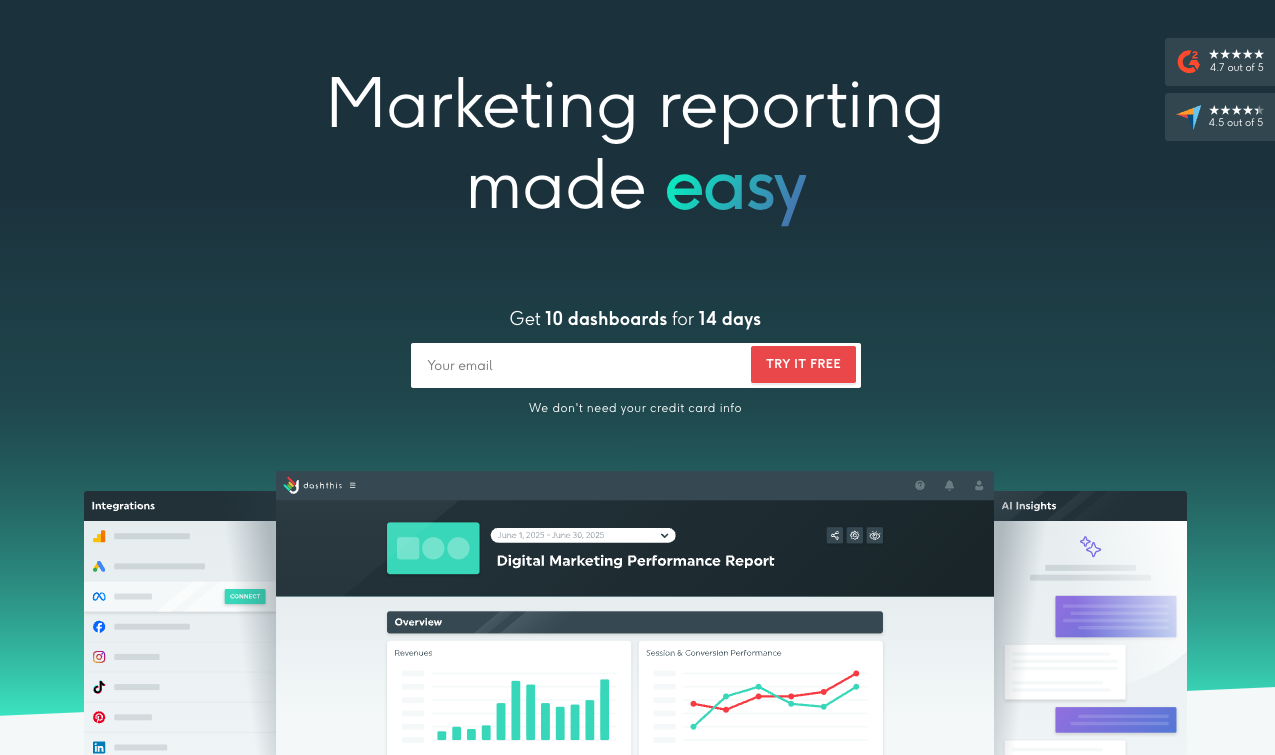
DashThis pulls your SEO data, rankings, traffic, backlinks, conversions, into one client-ready dashboard, then lets you interrogate it in plain language.
The SEO reporting software natively connects with 34+ platforms including Ahrefs, Semrush, Google Search Console, and GA4, so a single report can show organic performance next to paid, social, and email. For agencies proving value across a full retainer, that cross-channel view is usually the point.
What's new in 2026 is the DashThis MCP connector, which makes your dashboards callable directly from Claude and ChatGPT.
This solves a specific problem with using AI for SEO analysis. Ask ChatGPT how a client's organic performance looks and it will give you a confident guess, because it has no access to their actual numbers, their targets, or what happened three months ago. The connector closes that gap: your AI reads the same validated metrics that already power the client report, so what comes back is grounded in real data rather than invented.
Top features:
- MCP connector for Claude and ChatGPT: Ask "how did Client X's SEO do last month?" and get an answer calculated from your real dashboard data. Access is read-only to start, scoped to your account, with each client's data isolated from every other. Available on every plan and during the trial, once you have at least one dashboard.
- Portfolio-wide health checks: Ask which accounts need attention today and get a read across every client at once, without opening a single dashboard.
- Multi-integration dashboard: Combine SEO with paid, social, and email in one report, or blend data from different sources into a single metric.
- Scheduled branded reporting: Automatic email dispatch of white-labelled PDFs on your schedule, included on all plans.
- AI Insights: Analyses performance and answers questions inside the dashboard itself. AI Insights Pro extends this as a $19/month add-on ($15/month billed yearly).
- Unlimited users and integrations on all plans, including the $44 entry tier.
- Accumulated client context (goals, briefs, target KPIs) makes every subsequent AI answer sharper, which is something a generic LLM cannot replicate.
- Insights turn into branded, scheduled dashboards clients actually receive, so the analysis doesn't disappear into a chat window.
- CSV file manager imports custom data from any source not natively supported.
- It reports on SEO performance rather than doing SEO work, so you still need a research and optimisation tool alongside it.
- MCP access is read-only at launch, so you cannot build or edit dashboards from the chat.
- Subscription cost rises as you add dashboards and data sources, from 3 dashboards on Individual up to 50 on the top self-serve tier.
- The deepest AI analysis sits behind a small add-on rather than the base plan.
Who it's best for:
Marketing agencies and in-house teams who need to explain SEO performance to people who don't do SEO. Choose DashThis if you spend more time assembling reports than analysing them, or if you want AI analysis that's grounded in your client's actual numbers instead of a plausible-sounding guess.
3. Optimising content for AI Overviews and Google together: Surfer SEO
Pricing: No free trial. Plans from $49/month (Discovery), $82 (AI Search Analytics), $99 (Standard), $182 (Pro), $299 (Peace of Mind), and Enterprise at $999. All prices are billed-yearly rates; Surfer does not publish month-to-month pricing.
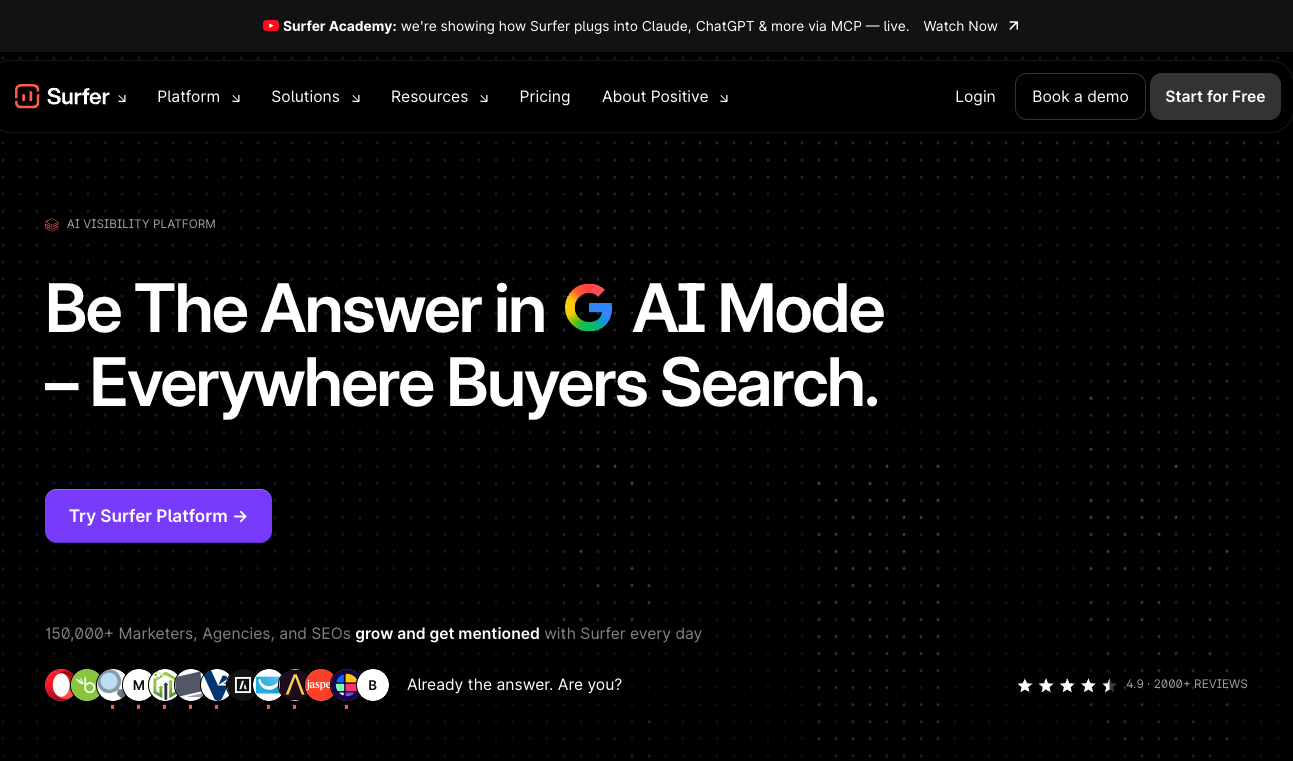
Surfer SEO scores your draft in real time against the pages already ranking, then tells you specifically what to change.
Its 2026 addition, AI SEO Optimization Guidelines (launched in January and announced as AI Search Guidelines), is the reason it belongs on this list rather than a general content optimisation roundup. The feature addresses the reality that content now has to perform in two different systems at once: Google's ranking algorithm and the retrieval process that decides what gets quoted in an AI answer. The two don't always reward the same things.
A caution on research: Surfer restructures its plans often, and most third-party comparisons are quoting tiers that no longer exist. Verify pricing directly before budgeting, and note that every figure on its pricing page assumes an annual commitment.
Top features:
- Content Editor: Live scoring as you write, with NLP-driven term and entity recommendations. Works inside Google Docs and WordPress on Standard and above.
- AI SEO Optimization Guidelines: Optimisation guidance aimed at AI answer visibility, available in Content Editor.
- AI prompt tracking: 25 prompts refreshed weekly on Standard, 50 refreshed daily on Pro, 100 daily on Peace of Mind. Not included on Discovery.
- Content coverage gap analysis: Pro and above. Useful when running a refresh program across an existing library.
- 1-click internal linking: Standard and above.
- The most actionable real-time scoring in its category.
- Recommendations are specific and measurable rather than directional.
- Standard and Pro both include 360 document credits, so the upgrade buys features rather than volume.
- 5 Brand Spaces on Pro, useful for agencies.
- No free trial, and no month-to-month pricing published at all.
- Frequent plan restructuring makes long-term budgeting awkward.
- Discovery excludes the Google Docs and WordPress integrations plus all AI prompt tracking, which limits how useful the entry tier really is.
- It optimises content but won't fix technical SEO or build links.
- Easy to over-optimise if writers chase the score instead of the reader.
Who it's best for:
Content teams and agencies running an active publishing or refresh cadence who need writers, editors, and SEO leads working in one environment. Choose Surfer if you're updating existing pages at scale, where a repeatable editor workflow justifies the cost. If you only need topic planning and outlines, it's more tool than you need.
4. In-house editorial teams who need consistent content quality: Clearscope
Pricing: 14-day free trial. Essentials $129/month, Business $399/month, Enterprise custom. No annual contracts.
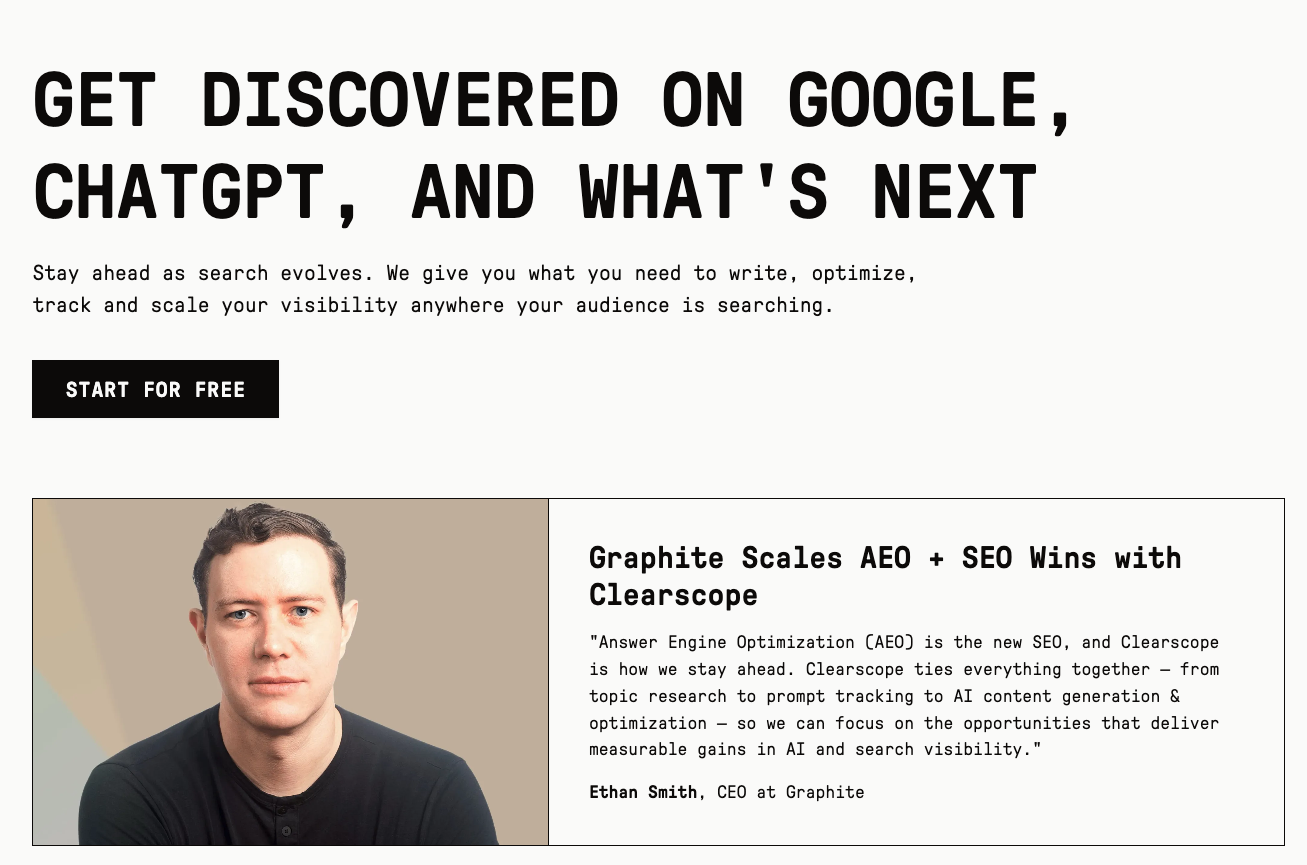
Clearscope does less than Surfer and does it more cleanly.
The A++ to F grading system is simple enough that a freelance writer understands it in five minutes, which is exactly the point when you're managing a bench of contributors. Its Google Docs integration is the best in the category, and it doesn't disrupt editorial flow the way heavier platforms do.
In 2026 Clearscope expanded beyond keyword grading into what it now calls content intelligence, adding prompt tracking for LLM visibility across ChatGPT and Gemini, plus a Content Inventory tied to Google Search Console for refresh prioritisation.
Top features:
- Content reports: NLP term analysis with weighted recommendations, competitor analysis of top-ranking pages, and recommended word count. One report per target keyword.
- Tracked Prompts: Monitor which of your topics surface in LLM answers. Essentials includes 50, scaling on higher tiers.
- Content Inventory: Tracks published pages against Search Console data so you can prioritise refreshes by opportunity rather than guesswork. Requires linking a GSC property.
- No per-seat charge on standard plans, so a founder, editor, and three freelancers can share one account.
- Unlimited users and projects on every tier, including Essentials.
- Cleanest writer experience in the category, which materially improves adoption.
- The grading system is predictive and easy to brief against.
- Month-to-month with no contract, so you can leave without a renewal fight.
- Narrow scope: no technical SEO, no backlinks, no local, and it won't write or publish for you.
- Usage caps bite quickly at volume. Essentials includes 20 drafts a month, 20 topic explorations, and 50 inventory pages, with overage priced at $25/month per additional 100 pages.
- The jump from $129 to $399 is steep with nothing in between.
- No annual discount available, so there's no way to buy down the monthly cost.
Who it's best for:
Mid-market in-house SEO and content teams and the agencies serving them, where multiple writers publish on a consistent cadence. Choose Clearscope over Surfer if you value simplicity and grading quality over feature depth, particularly if your writers are the ones who need to adopt it.
5. Teams who want AI visibility inside a full SEO suite: Semrush
Pricing: 7-day free trial. SEO $139/month, Starter $199, Pro+ $299, Advanced $549. Annual billing saves 17% across the board ($117.33, $165.17, $248.17, and $455.67 respectively). The AI Visibility Toolkit remains available as a $99/month add-on.
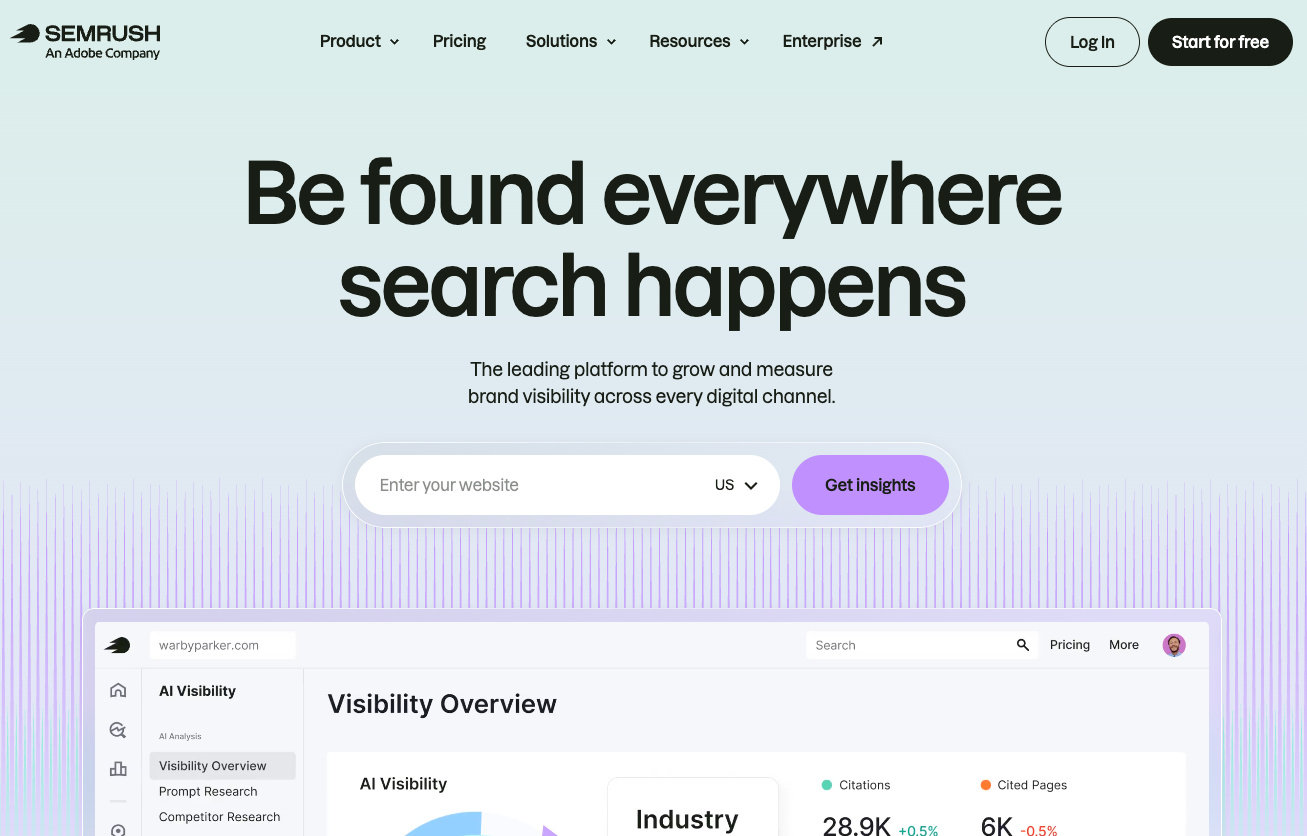
Semrush remains the most comprehensive platform in the category, and it has now folded AI visibility into the core plan structure rather than selling it purely as a bolt-on.
That restructure is the thing to understand before you buy. The old Pro, Guru, and Business tiers are gone, replaced by SEO, Starter, Pro+, and Advanced. AI prompt tracking is included from Starter up (50 prompts daily on Starter, 100 on Pro+, 200 on Advanced) and is absent from the entry-level SEO plan.
So the pricing math is worth doing carefully. If you're on the $139 SEO plan and want AI visibility, adding the $99 toolkit brings you to $238. Starter is $199 and includes AI prompt tracking natively, making it roughly $39/month cheaper for a comparable outcome. Teams still stacking the add-on onto the entry plan are usually paying more than they need to.
One piece of context worth knowing: Adobe completed its acquisition of Semrush on 28 April 2026, in a $1.9 billion all-cash deal announced the previous November. Semrush's customer FAQ states there are no immediate changes to features, pricing, or billing, but long-term roadmap questions are fair to raise with your account rep before committing annually.
Top features:
- AI visibility reporting: Included on all plans, with daily AI prompt tracking from Starter up. The standalone AI Visibility Toolkit add-on covers 1 brand, 1 project, and 25 prompts across ChatGPT, Google AI, Gemini, and Perplexity.
- Position Tracking: 500 daily-tracked keywords on SEO and Starter, 1,500 on Pro+, 5,000 on Advanced.
- Historical SEO data: Pro+ and above.
- Share of voice and API access: Advanced only.
- The broadest feature set of any tool here: keyword research, audits, backlinks, content, local, advertising, and social in one place.
- AI visibility is now native to the plan structure rather than an afterthought.
- Website monitoring scales properly, from 5 sites on SEO to 40 on Advanced.
- Mobile data is included on every tier.
- Expensive once you add the pieces most teams actually need.
- The trial is only 7 days, which is short for a platform this large.
- Historical data starts at Pro+ and API access at Advanced, so serious analysis and custom reporting both sit at the top of the range.
- Local SEO is priced per location, from $30/month per location on annual billing, which scales painfully for multi-site businesses.
- App Center add-ons bill separately and are easy to forget about.
- The plan rename means most comparison content online, including some of Semrush's own affiliate ecosystem, still quotes retired tiers.
Who it's best for:
Teams that want one vendor for everything and have the budget to match. Choose Semrush if you're already running its SEO toolkit and want AI visibility data in the same interface rather than reconciling two dashboards. Just start from the current tier list rather than an old comparison post, and go to Starter rather than stacking the add-on onto the SEO plan.
6. Backlink depth and AI citation research: Ahrefs
Pricing: No free trial, but Ahrefs Free covers your own verified sites. Starter $29/month, Lite $129, Standard $249, Advanced $449, Enterprise $1,499 (billed annually). Brand Radar for AI tracking is a separate add-on from $50/month.
Ahrefs still has the backlink index everyone else is measured against, and Brand Radar now tracks how often AI engines cite your domain.
Brand Radar is notable for one unusual detail: buy it standalone and you also receive an Ahrefs Free account, so you can get AI citation tracking without a paid Ahrefs subscription. For teams that already have an SEO suite elsewhere but want Ahrefs-quality AI visibility data, that's a genuinely useful option at $50/month for the entry tier.
Ahrefs has also brought its agentic products under a platform called Letaido, which hosts Agent A alongside other AI agents and runs on frontier models with broader access than the public API and MCP. It's a separate $99/month subscription rather than something included with an Ahrefs plan.
Top features:
- Site Explorer: The deepest backlink and organic keyword data available, with historical comparison that makes traffic-loss diagnosis straightforward.
- Brand Radar: AI citation and mention tracking. The custom prompts ladder runs $50 (2,500 checks), $100 (7,000), and $250 (25,000), with a separate AI Visibility Index tier from around $199/month.
- MCP and API access: Query Ahrefs data directly from Claude or ChatGPT, which pairs well with a reporting layer.
- Best-in-class link data, still the reason most agencies keep a subscription.
- The $29 Starter plan is a real entry point, not a demo, and the cheapest paid tier on this list.
- Brand Radar works without a paid base plan.
- Site Audit, Brand Radar, and Rank Tracker don't consume credits.
- Site Audit surfaces issues most crawlers miss.
- No free trial on any paid plan.
- The credit meter on everything else is the most common complaint: one credit per report opened, plus another for each filter, date change, or grouping change. Lite users burn through them faster than expected.
- Extra seats cost $40 (Lite), $60 (Standard), or $80 (Advanced) per user per month, and are capped at +2, +5, and +10 respectively.
- Looker Studio connectors require the $449 Advanced plan.
- Project Boost, Content Kit, Report Builder, and Letaido are all separate subscriptions that stack quickly.
Who it's best for:
SEO specialists and agencies whose work depends on link data and competitive research. Choose Ahrefs if backlink quality drives your strategy, and consider buying Brand Radar standalone if you want its AI citation data without migrating your whole stack.
7. Agencies who need AI search tracking on a budget: SE Ranking
Pricing: 14-day free trial, no credit card. Core $129/month ($103.20 annual), Growth $279 ($223.20 annual), Enterprise custom. AI Search add-on $89/month, or $71.20 on annual billing. Agency Pack $69/month, annual billing only.
SE Ranking sits a tier below Semrush and Ahrefs on price while covering most of the same ground, and it's the tool that comes up most often when agencies go looking for a cheaper alternative.
The headline advantage is volume per dollar: Core gives you 2,000 daily-tracked keywords, roughly four times what the equivalent Semrush plan allows, at a lower price.
Be careful with the sticker price, though. Both AI search tracking and white-label reporting are paid modules on top of the base plan, and both push you onto annual billing. A realistic agency configuration is Core plus the AI Search add-on plus the Agency Pack, which lands nearer $240/month than $103.
Top features:
- AI Results Tracker: Monitors visibility in Google AI Overviews, AI Mode, ChatGPT, Perplexity, and Gemini. The add-on's entry tier covers 200 prompts. Note this is a separate meter from the base plans' own AI prompt allowance (100/day on Core, 250/day on Growth).
- Rank tracking: Daily updates across 188 locations and geographic databases, covering Google, Bing, and YouTube on desktop and mobile, widely regarded as matching premium tools for accuracy.
- Agency Pack: White-label platform and reporting, client seats, and agency extras at a published flat rate rather than a sales negotiation.
- Best capability-per-dollar in mainstream SEO software.
- Genuine 14-day trial with no credit card, which none of the premium suites offer.
- Free assisted migration on annual subscriptions.
- Publishes flat prices for agency extras that competitors leave to sales negotiation.
- White-label is not included on any base plan. It requires the Agency Pack, which is annual-only, so monthly subscribers can't get it at all.
- Adding AI Search and the Agency Pack to Core takes you to roughly $240/month, which erases much of the price advantage over Semrush.
- Backlink index is meaningfully thinner than Ahrefs.
- Only one person can be logged in at a time on the main account. A second login terminates the first session, though sub-accounts hold independent sessions.
- Manager seats cost $16/month each beyond the plan allowance.
Who it's best for:
Agencies and serious local businesses who need high rank-tracking volume and client reporting, where link building isn't the core service. Choose SE Ranking if you want AI search tracking without Semrush pricing, but model the add-ons and the annual commitment before signing, because the base plan alone rarely covers a real agency workflow.
8. High-volume content production and refresh programs: AirOps
Pricing: 14-day free trial with all Scale plan features and no card required up front. Solo includes 35,000 tasks/month, Pro 100,000, Enterprise custom. AirOps does not publish self-serve prices; third-party sources put Solo near $199/month and Pro near $1,999/month, but treat those as estimates. Solo overages are $0.025 per task.
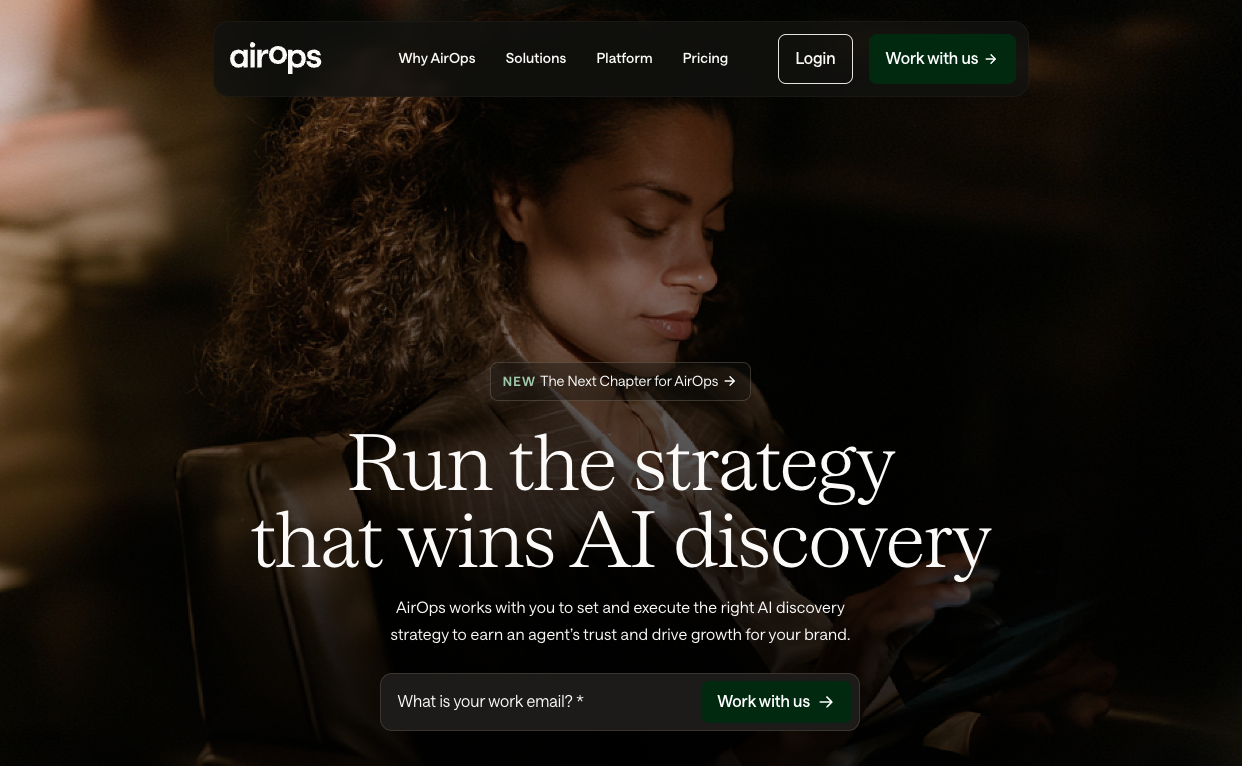
AirOps isn't a writing assistant. It's a no-code workflow builder that turns content production into a pipeline.
Its Grids interface is the clearest expression of that idea: a spreadsheet where each row is a piece of content and each column is a typed step, from input data to playbook to finished artifact to status. Trigger a step across 30 rows and you can see exactly which pieces advanced, which got flagged, and which are waiting on review. Without it, teams stitch that view together manually across Notion, Slack, a brief doc, a tracking sheet, and a CMS.
The platform pairs an Insights layer that tracks AI search visibility with an action layer that creates and refreshes content against those insights, which is a genuinely different proposition from tools that only monitor. Insights coverage scales with the plan: Solo tracks ChatGPT only, Pro covers 7+ answer engines.
Top features:
- Workflow builder: Drag-and-drop multi-step AI pipelines connecting models from OpenAI, Anthropic, Google, and Perplexity, plus major CMSes and SEO data sources.
- Brand Kit: Knowledge bases that hold brand voice consistent across high volumes of output. One on Solo and Pro, unlimited on Enterprise.
- Grids: Bulk-trigger workflow stages across dozens of pieces with visible status at every step.
- Nothing else on this list connects AI search insight to content production in one pipeline.
- Deep CMS and SEO integrations remove manual handoffs.
- Generous 14-day trial with full Scale features and no card required.
- Used by Webflow, Ramp, Carta, HubSpot, and Gong, among others.
- No prices published for the self-serve plans, so you can't budget without a conversation.
- No permanent free tier, despite the free Insights layer being widely reported. Solo's ChatGPT-only Insights is a paid inclusion.
- Task-based billing is hard to forecast, and cost per step varies by model (Anthropic steps cost roughly 4x).
- Steep learning curve, roughly 2 to 4 weeks to become productive.
- Brand Kit needs real iteration before output is reliable, so budget for a calibration period.
Who it's best for:
Content teams publishing 20+ articles a month, or SEO managers working through a refresh backlog across hundreds of URLs. Choose AirOps if you already have mature editorial workflows and want to scale them, not if you're hoping the tool will supply the process for you.
9. Developers building custom AI SEO tooling: DataForSEO
Pricing: Free sandbox and $1 trial credit on registration. $50 minimum deposit, then pure pay-as-you-go with no plans or subscriptions. SERP API from $0.0006 per query (Standard queue), $0.0012 (Priority), $0.002 (Live).
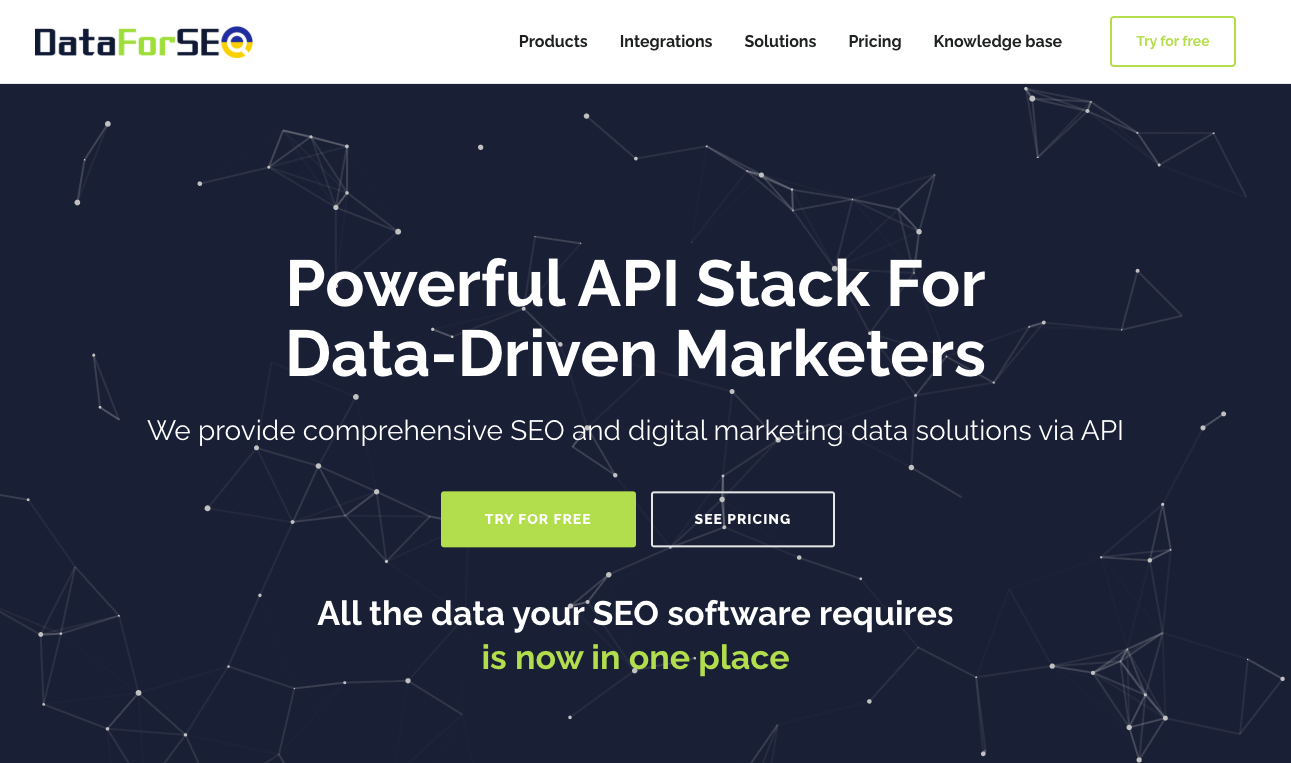
DataForSEO isn't a finished product. It's the data layer other finished products are built from.
That distinction decides whether it's right for you. Ahrefs and Semrush give you an interface; DataForSEO gives you endpoints and you build the interface. For teams running automated reporting or custom AI SEO agents at moderate volume, the cost difference against a seat-based subscription is substantial.
Two things trip people up on cost. First, the queue system: the same query costs $0.0006, $0.0012, or $0.002 depending on delivery mode, so choosing Live for a batch job silently multiplies your bill by more than three. Second, and more consequential, DataForSEO changed how SERP results are metered in September 2025. The base price now covers the first page of results (10 for most engines, 15 for Naver) rather than 100. Per-unit prices didn't move, but anyone who was pulling 100 results per query saw their effective cost jump sharply. Older cost comparisons written before that change are misleading.
Top features:
- SERP API with three delivery modes: Standard queue (around 5 minutes) for batch work, Priority (up to 1 minute), and Live (up to 6 seconds). Choosing correctly is the single biggest lever on your bill.
- MCP server: Query SEO data directly from Claude or ChatGPT, which makes it a natural backbone for custom AI SEO agents.
- Breadth of endpoints: SERPs across Google, Bing, Yahoo, Baidu, Naver, YouTube, and Seznam, plus keywords, backlinks, on-page, business data, and a separate Merchant API covering Amazon and Google Shopping.
- Substantially cheaper than subscription tools for automated, moderate-volume workloads.
- Bills linearly with no forced tier upgrades as volume grows.
- Free sandbox lets you validate a workflow before depositing anything.
- Location targeting is as granular as Google's own, down to GPS coordinates.
- Consistently strong reviews for data accuracy and support responsiveness.
- Requires engineering resource. There is no usable interface for a non-technical marketer.
- $50 minimum deposit.
- A SERP request bills as one page of results by default, so tracking deeper positions multiplies task cost.
- Cost modelling takes real care, since queue mode and result depth both move the number more than the headline rate suggests.
Who it's best for:
Developers and technically mature agencies building automated reporting, internal tools, or AI agents that need SEO data. Choose DataForSEO if you have someone who can write the integration, and pair it with a reporting front end so the output reaches clients in a readable form.
10. Getting new pages discovered fast: Indexly
Pricing: Starter $99/month, Growth $299, Scale $499, Enterprise custom, with a 17% discount on annual billing. Indexly does not publish trial terms on its site, so confirm before signing up.
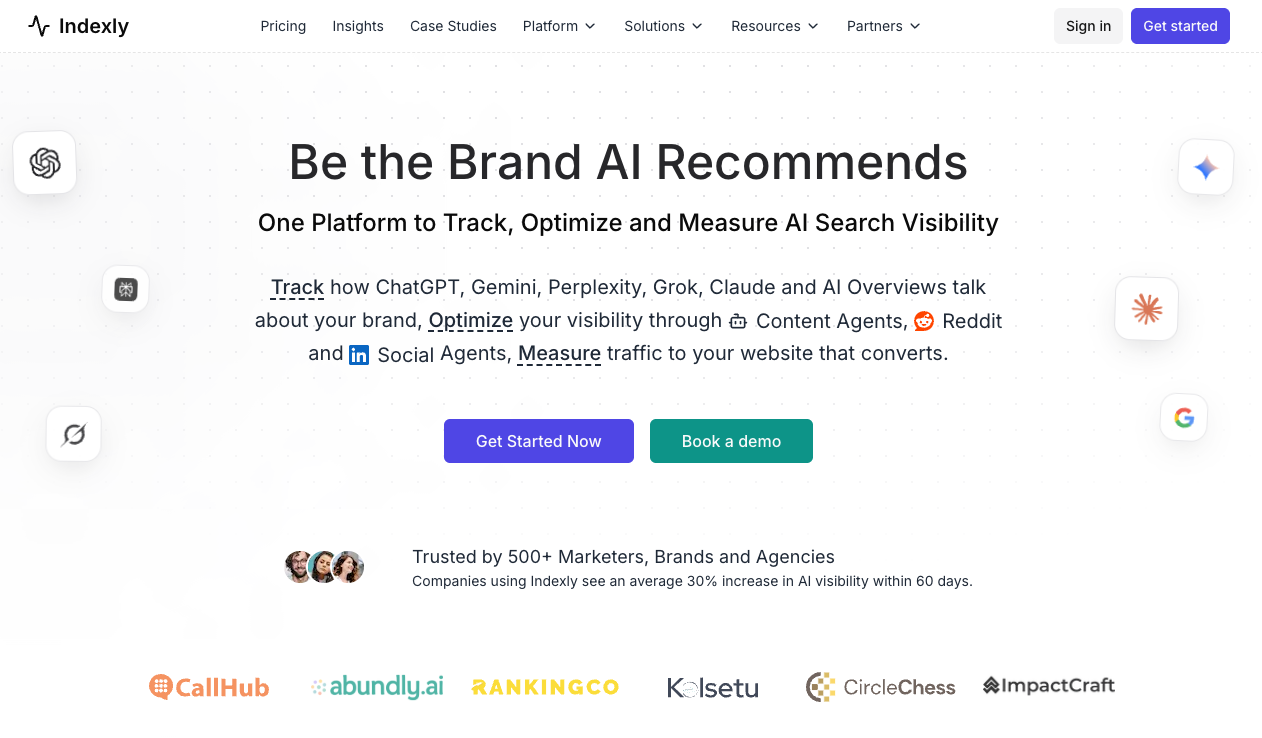
Indexly started as an indexing accelerator and has expanded into AI visibility tracking.
The core function is unglamorous but genuinely useful: automated URL submission to Google, Bing, and Yandex, with sitemap monitoring and new page discovery. If you publish frequently, or you've ever watched a new page sit undiscovered for three weeks, that alone can justify the subscription. Worth calibrating expectations, though: Indexly's marketing points to 24 to 48 hours, while its own FAQ hedges to 3 to 5 days.
The AI layer tracks brand mentions, sentiment, and prompt performance, and unlike most tools here it isn't gated to a premium tier. Every plan includes it, with the difference being coverage: 3 engines and 50 prompts on Starter, 4 engines and 100 prompts on Growth, 5 engines and 200 prompts on Scale.
Top features:
- Auto-indexing: Automated multi-engine URL submission with sitemap monitoring and new page discovery.
- AI visibility tracking: Brand mentions, sentiment analysis, and prompt performance across ChatGPT, Claude, Perplexity, Gemini, and Google AI Overviews, with Grok added on Scale.
- Website audit and backlink intelligence: Included alongside indexing rather than sold separately, with audit volume tiered from 100 pages/month on Starter to 1,000 on Scale.
- Automated indexing is a feature most AI visibility tools simply don't have.
- AI visibility is included on every tier rather than gated to an upgrade.
- Combines indexing, AI tracking, audits, and backlinks in one subscription.
- 17% discount on annual billing.
- No longer a budget option. Third-party directories still list sub-$20 pricing that no longer exists, so check the source of any figure you see quoted.
- Trial terms aren't published anywhere on the site.
- White-label reporting requires the $499 Scale tier.
- Tracks fewer AI platforms than dedicated GEO tools.
- Reviewers repeatedly flag customer support responsiveness.
- Feature breadth comes at the cost of depth in any single area.
Who it's best for:
Teams publishing at volume where indexing speed is a real, measurable bottleneck, and who want AI visibility tracking bundled rather than bought separately. Choose Indexly if slow discovery is costing you traffic on time-sensitive content. If it isn't, a dedicated AI visibility tool will give you more depth at this price.
11. Multi-location brands competing in AI local search: Birdeye
Pricing: No public pricing. Birdeye quotes per location, with bands running from 1-3 locations up to 1,000+. A 30-day free trial with no credit card is available for Birdeye Social AI specifically, rather than the full platform.
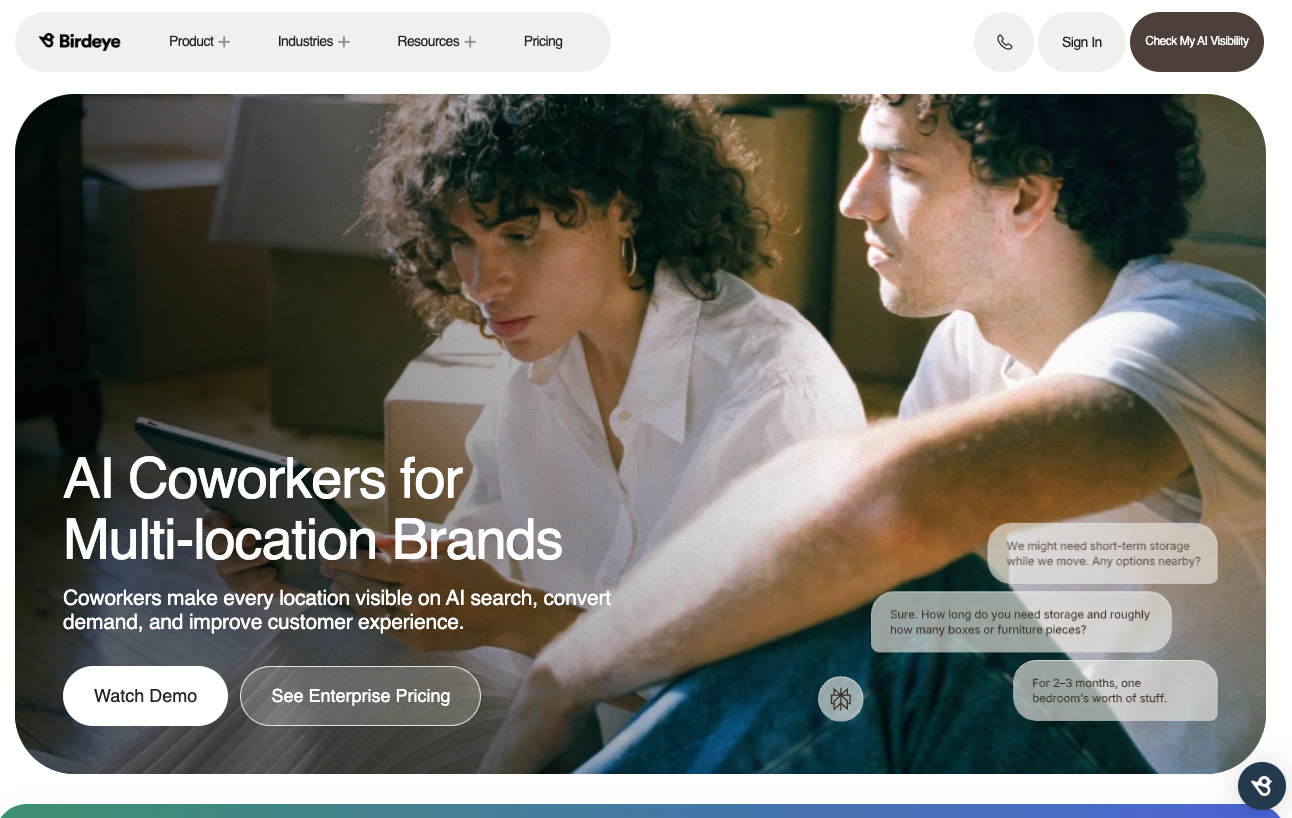
Birdeye is the only tool here built specifically for brands managing anywhere from 10 to 10,000+ locations.
Local AI search has its own logic. When an assistant recommends a business, it draws on reviews, listing consistency, structured data, and profile completeness rather than classic ranking factors. Birdeye's own State of AI Search 2026 research, published in August, found that 80% of brands are cited at least once in AI-generated answers, but only 15% secure the top position with their own domain. That gap comes down to exactly those signals.
If one location has incomplete hours or conflicting directory information, both search engines and AI platforms present an incomplete picture. At scale, that inconsistency compounds.
Top features:
- Reviews AI and Listings AI: Automated review generation and response, plus listing consistency management across directories.
- Location-level governance: Regional workflows and per-location insights that let a central team maintain consistency without adding headcount.
- Social AI and Chatbot AI: Available on higher tiers, with Surveys, Insights, and Competitors modules sold as add-ons.
- Purpose-built for a problem generic SEO tools handle badly.
- Automated review campaigns measurably lift local visibility, which is the most consistent theme in user reviews.
- Strong white-label capability for agencies reselling reputation management.
- Publishes original research on AI local search, which is rare in this category.
- 24/7 support is frequently praised.
- Per-location pricing is a real barrier for smaller operations.
- No public pricing at all. Every plan requires a sales conversation, and even tier names come from third-party sources rather than Birdeye.
- Surveys, SMS campaigns, competitor tracking, and some integrations cost extra beyond the base tier.
- Handles reviews and listings well, but you'll need separate tools for content, technical SEO, and broader AI visibility.
- The dashboard is overwhelming initially given the feature count.
Who it's best for:
Multi-location brands in healthcare, retail, financial services, franchises, and automotive, plus the agencies serving them. Choose Birdeye if location-level consistency is your visibility problem. Skip it entirely if you run a single site.
What features should I look for in an AI SEO tool?
Look for AI citation tracking, execution capability, multi-engine coverage, integration with your existing stack, and transparent pricing.
- AI citation tracking, not just rank tracking: Position is no longer a reliable proxy for traffic. Choose a tool that shows whether AI engines actually mention and link you, because you can hold position one and still lose most of your clicks.
- Execution, not just recommendations: Most teams don't lack recommendations, they lack capacity to implement them. Tools that ship changes are worth more than tools that produce another list, provided you keep a human review step.
- Multi-engine coverage: ChatGPT, Google AI Overviews, AI Mode, Perplexity, Gemini, and Claude behave differently and cite different sources. A tool covering two engines gives you a partial picture at a full price.
- Integration with what you already run: The cost of a tool includes the manual work of getting its data in front of clients. Prioritise anything that connects natively to your reporting layer or offers API and MCP access.
- Pricing you can predict: Task-based, credit-based, and per-location models all make budgeting hard, and several vendors here quote annual-only rates that look like monthly ones. Before committing, model your real usage (seats, locations, tracked keywords, prompts, add-ons) rather than the headline tier price.
Which AI SEO tool should you use?
There's a case for each tool on this list, and most teams will end up with two or three rather than one.
If your bottleneck is implementation, Search Atlas ships fixes instead of listing them. If it's content quality across a team of writers, Clearscope is the easiest to adopt. If it's production volume, AirOps turns publishing into a pipeline. If you need AI visibility data without replacing your stack, Ahrefs Brand Radar runs standalone from $50/month. And if you're a developer, DataForSEO costs a fraction of everything else here.
One warning that applies to all of them: this category is repricing constantly. Semrush retired its entire plan lineup this year, Surfer has restructured repeatedly, Indexly's entry price moved by an order of magnitude, and DataForSEO changed how it meters results. Check the vendor's own pricing page before you budget, not a comparison post.
But whichever tools you pick for the work itself, you'll still need to show someone what happened.
Grab your 14-day free trial on DashThis today.
DashThis pulls all your marketing data, SEO rankings, organic traffic, backlinks, plus paid, social, and email, into one client-ready report. And with the MCP connector, you can ask Claude or ChatGPT how any client is performing and get an answer calculated from real dashboard data rather than a guess.

Read More
Don’t miss out!
Follow us on social media to stay tuned!


Automate your reports!
Bring all your marketing data into one automated report.
Try dashthis for free