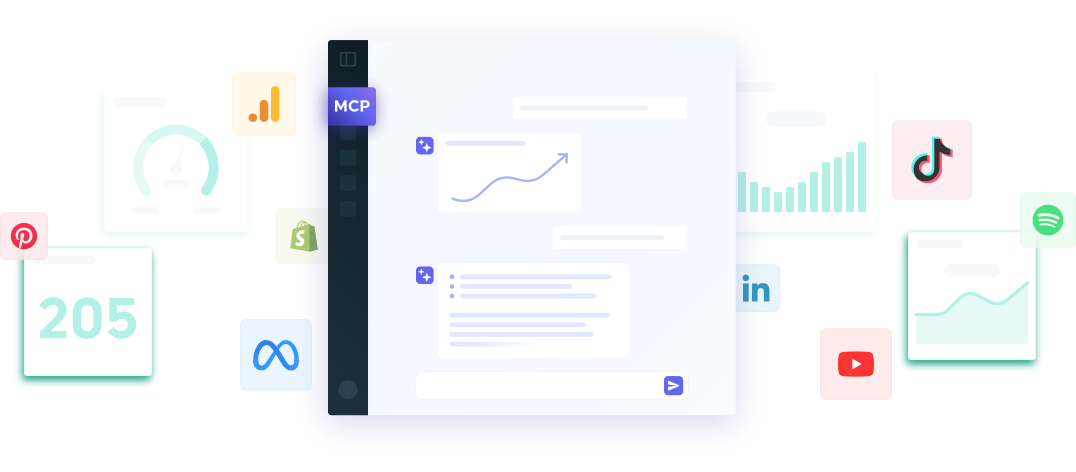
DashThis MCP Connector

DASHTHIS MCP CONNECTOR

Bring your reports into the conversation

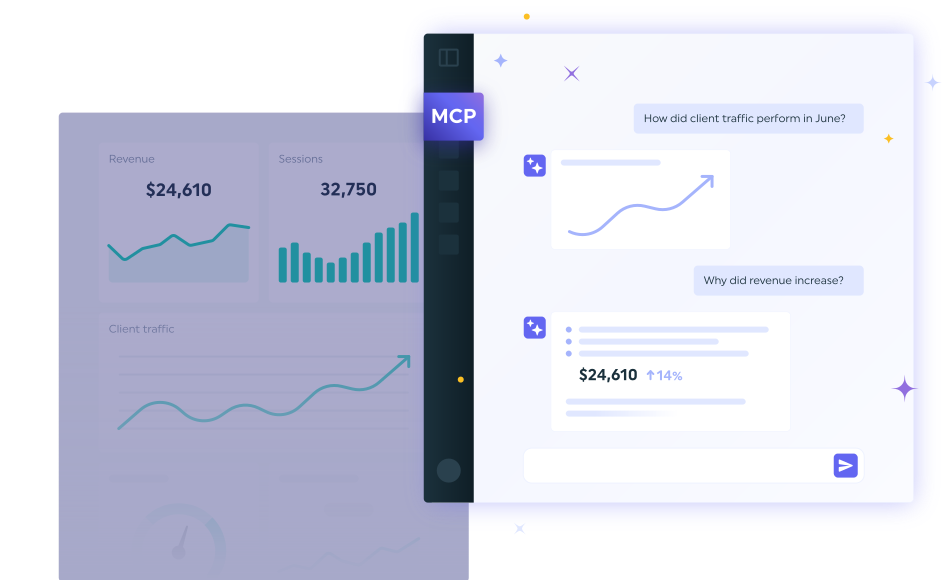
The DashThis MCP connector makes your dashboards callable straight from Claude and ChatGPT. Ask a question in plain language and get answers grounded in your real data, your clients' goals, and their full reporting history. No app-switching, no guessing. 

Works with Claude and ChatGPT. More MCP-compatible tools coming soon.

Your most crucial marketing data, now with AI intelligence

Ask Claude or ChatGPT how a client's SEO is doing and you'll get a confident guess. It doesn't know their actual numbers, their targets, or what happened three months ago, so guessing is all it can do. The DashThis connector fixes that.

Your AI reads the same validated, calculated data that already powers your client reports, so what comes back is something you can actually send.

MCP dashthis connector

Grounded in your real data

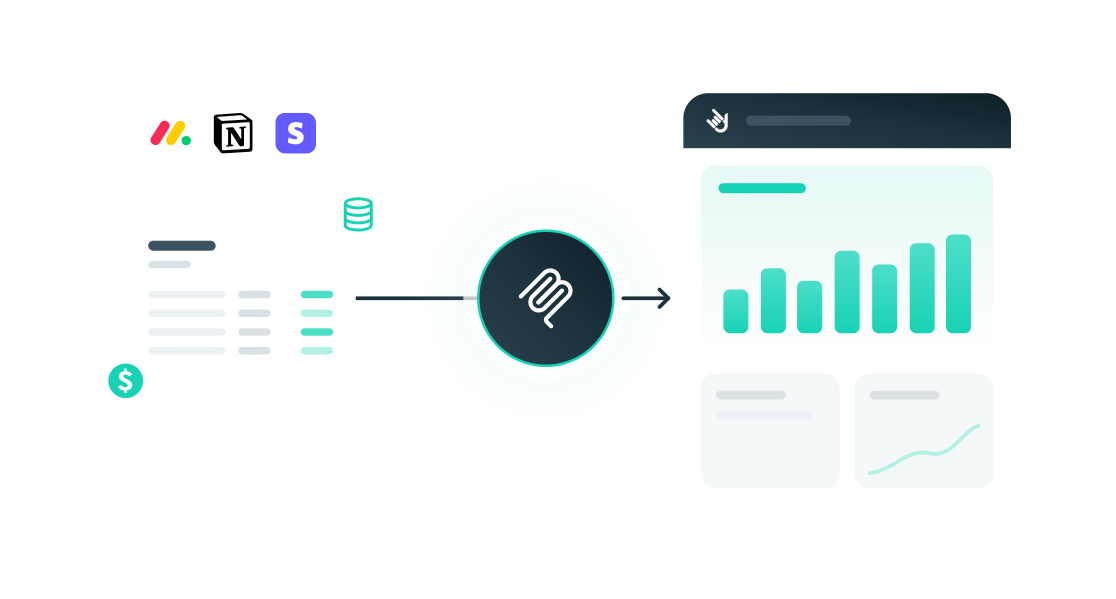
Your metrics are collected and calculated inside DashThis before your AI ever sees them. That means no mismatched definitions and no made-up numbers, just answers you can trust.

Stay in your LLM

No more breaking your flow to open a web app. Ask for the insight where you're already working, in Claude or ChatGPT, and DashThis answers in the conversation.

Built for client work

DashThis was made for agencies reporting to many clients. Your data stays isolated per client and your delivery stays branded, so what you share still looks like it came from you.
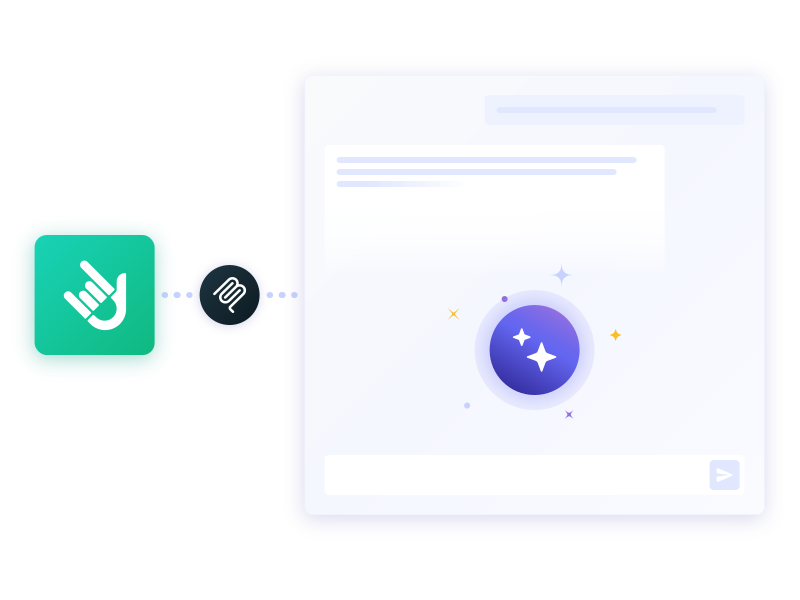
How the DashThis MCP connector works

Connect once, then let your AI do the rest. DashThis keeps doing what it does best behind the scenes.

mcp step 1 Connect securely

Add DashThis as a connector in Claude or ChatGPT. Your data stays protected and access stays under your control.

mcp step 2 Ask in plain language

"How did Client X's SEO report do last month?" Your AI calls DashThis and we answer with data grounded in that client's account KPIs and metrics. 

mcp step 3 DashThis handles the rest

Refreshing, formatting, and client-ready branded delivery still run automatically in DashThis. The chat surfaces the insight; DashThis keeps the report alive.

Insights that actually mean something

Generic analysis is free everywhere now. What isn't free is analysis that knows your client's numbers, their monthly goals, and the KPIs they actually care about. Because the connector reads your DashThis context, you get a real "now what" not a summary of numbers you already saw.

  • Digital Marketing Reporting Dashboard Software

    step 1 icon Check the health of every client at once
    Which accounts need your attention today?

    Ask your AI for a portfolio-wide read and DashThis surfaces where things are winning, slipping, or worth a closer look, across all your clients, without opening a single dashboard.

    • Performance health at a glance
    • Flag the clients that need attention first
    • Explain any result in plain language 
    Sign up for free trial
  • analytics reporting tools

    step 2 icon Give DashThis your context, once

    The more it knows, the better the answer.

    Feed your clients' goals, briefs, and target KPIs into DashThis and every future answer gets sharper. That accumulated context is what turns a generic AI reply into an insight only DashThis can give.

  • Dashboard Creator

    step 3 icon Delivery is still yours

    Branded, recurring, client-ready. 

    A one-off answer in a chat window disappears. A DashThis report doesn't. Insights come to life as branded dashboards and scheduled reports your clients actually receive, isolated per client and delivered on autopilot. The AI starts the conversation; DashThis makes it something you can put your name on.

Works with your favorite AI tools

One connector. Set it up once in the tools you already use in your day-to-day.

Claude AI Claude

  1. Open Claude on the web or in the desktop app
  2. Go to Customize, then Connectors,
  3. Search for DashThis, then click Connect to Claude
  4. Authorize the connection. 
  5. Start asking about your dashboards
View Claude setup

ChatGPT ChatGPT

  1. Enable developer mode
  2. Go to ChatGPT Plugins 
  3. Select the plus button and create a New Plugin
  4. Enter the plugin details
  5. Authorize the connection
  6. Start asking about your dashboards
View ChatGPT setup

Coming soon

Let us know what AI provider we should support

Contact us

Your data, under your control

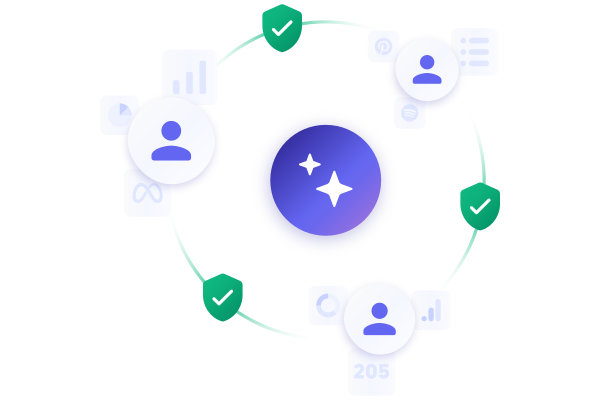
You decide what your AI can reach, and you see exactly when data is shared. Access is read-only to start, scoped to your account, and every client's data stays isolated from every other. 

AI Insight

The teams who already trust DashThis

DashThis is the power behind thousands of marketing dashboards created by and delivered for agencies and digital marketers every day. Still wondering if we’re really THAT cool? These folks seem to think so!

  • I was skeptical about DashThis’s new AI Insights but when I tried it, I was shocked. It sounded exactly like how I’d write it, with accurate and even insightful recommendations. I’m really looking forward to seeing how much time we can save this month.
    Pam Kearley - Director of Strategy Forge and Smith Pam Kearley Director of Strategy
  • The biggest benefit is the time saved in terms of data collection. It's also great that the design is very pretty out of the box.
    Jonas Meister - Digital Marketing Strategist Jonas Meister Digital Marketing Strategist GnuWorld
  • We've played around with countless reporting tools over the years but none of them come anywhere close to Dashthis. The level of integration and customization of reports, as well as their outstanding client support are unrivalled!
    Reef Digital Agency Director Hadrien Brassens Director Reef Digital Agency
  • DashThis allows me to quickly and easily get my clients key multi-channel performance metrics in one easy to digest report!
    Dave Ashworth - Technical SEO Consultant Dave Ashworth Technical SEO Consultant Organic Digital
  • Game changer for client communications and expectations. Also help in the sales process!
    Darian Kovacs - Digital Marketing & PR Specialist Darian Kovacs Digital Marketing & PR Specialist Jelly Digital Marketing & PR
  • We have so much less manual work to do; we save many hours a month that can instead be used for our customers!
    Mariève Masse - SEO Specialist & Project Manager Mariève Masse SEO Specialist & Project Manager Datmos
  • Customer service has been great, quick responses. The dashboard is awesome, looks good, and has everything we need to client reporting. Kudos!
    Nekta Born - Digital Media Trader Nekta Born Digital Media Trader iProspect
  • Phenomenal customer service.
    Niek Van Santen - Managing Director Niek Van Santen Managing Director Bouncing Orange
  • This tool has helped us close new accounts and improve customer satisfaction.
    Jeff Schroeffel - President / Lead Consultant Jeff Schroeffel President / Lead Consultant Walk with Pic
  • We use so many different reporting platforms - this consolidates what we give our clients.
    Leigh Ann Moltz - Digital Marketing Manager Leigh Ann Moltz Digital Marketing Manager Eighty Three Creative
  • DashThis is a phenomenal tool for communicating with clients and staff. With 10 minutes of set up, I can create a custom report for a client that speaks to their digital marketing goals.
    Michelle Henderson - Founder Bad Cat Digital Agency Michelle Henderson Founder Bad Cat Digital
  • We used to spend 30-40 hrs on monthly reporting. We’re now down to 10-20 hours max while providing even more detailed information.
    Brad Blackburn - Director of Search Engine Marketing at GravityFree Brad Blackburn Director of Search Engine Marketing GravityFree

Frequently asked questions

What is the DashThis MCP connector?

It's a secure connection that lets AI tools like Claude and ChatGPT talk to your DashThis account. You ask a question in the chat, and DashThis answers with your real, structured marketing data.

Which AI tools does it work with?

Claude and ChatGPT at launch, with more MCP-compatible tools on the way.

Do I still need my DashThis dashboards?

Yes, and that's the point. The connector reads from the dashboards, data, and context you already have in DashThis. That's what makes the answers trustworthy and keeps your reports branded and scheduled.

Is my data safe?

Access starts read-only and is scoped to your account, and each client's data stays isolated. You're shown exactly what's shared with your AI tool and when.

Will it replace my reports?

No. It's a faster way to interrogate and explain your data. The reporting, branding, and delivery your clients rely on still live in DashThis.

How much does it cost?

It's available to all DashThis customers and those who are doing a free trial, as long as they have at least one dashboard created. 

Digital Marketing reporting dashboard

Be first to connect DashThis to Claude and ChatGPT.

Try it today

Made in Canada

DashThis is a brand owned by Moment Zero inc

Copyright © 2011-2026