


 Connect your ChatGPT Ads account
Select ChatGPT Ads from the integrations list and connect your account. Create a new API key in ChatGPT Ads Manager, under Settings then API keys, and copy it. (Creating a key requires Admin permission on the ad account.) Paste your API key into the API Key field and click Connect.
 Select your metrics and dimensions
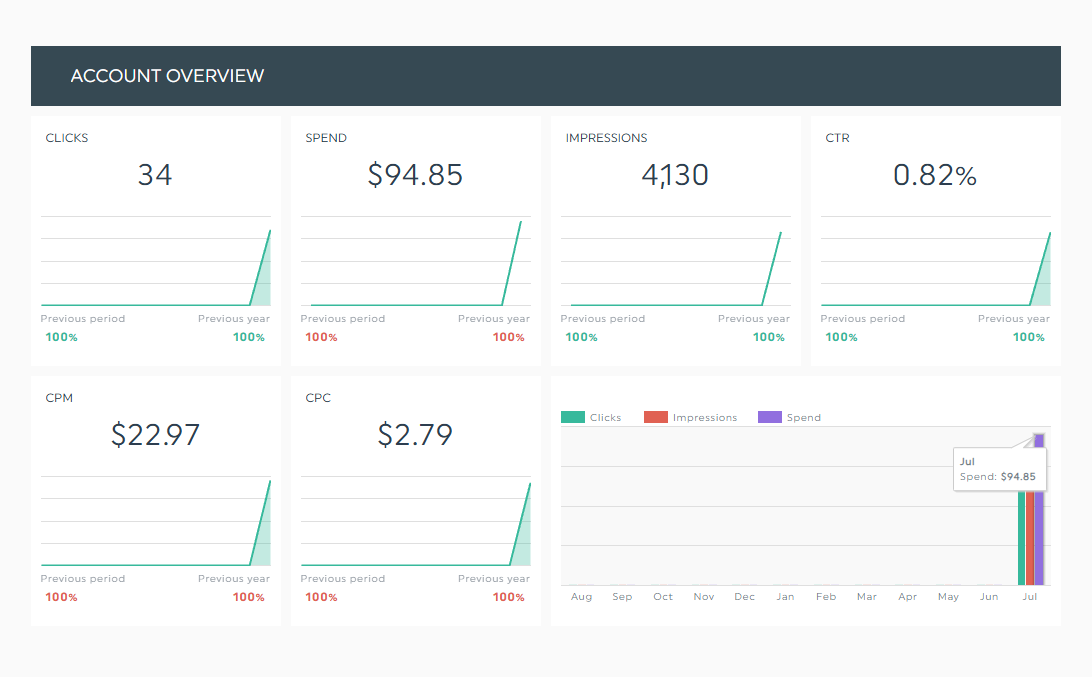
Choose the ChatGPT Ads metrics you want to track, such as Clicks, Spend, CTR, CPC, and CPM, and display them using fully customizable widgets tailored to your reporting needs.
 Customize and automate your dashboard
Organize your widgets, customize your layout, and add your branding, including logos and colors. Once your setup is complete, your ChatGPT Ads dashboard updates automatically with the latest campaign data, saving you time and eliminating manual reporting.


 Easy to set up, easy to use
 Built for branded reporting
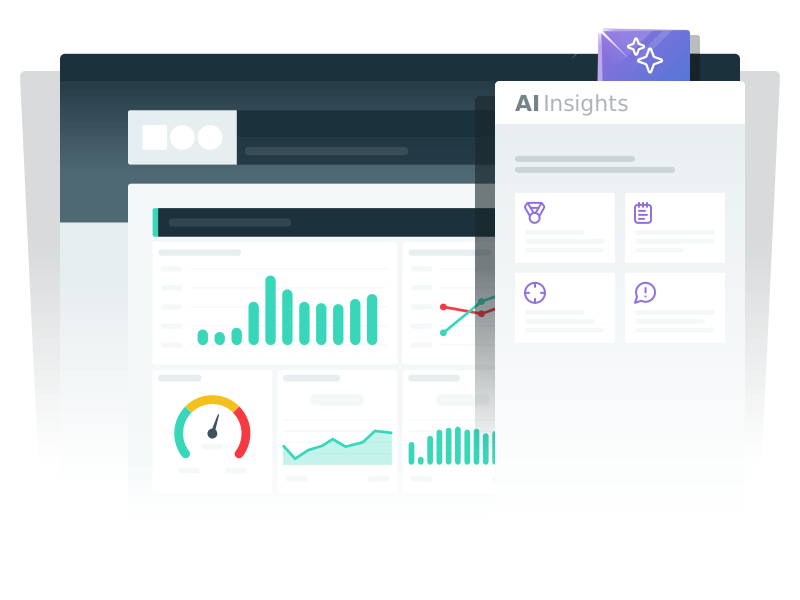
 Turn data into clear insights
 Automated, recurring reports
 Flexible customization for every use case
 Easy sharing for teams and clients