Introducing Calculated Widgets: Build your metrics, your way
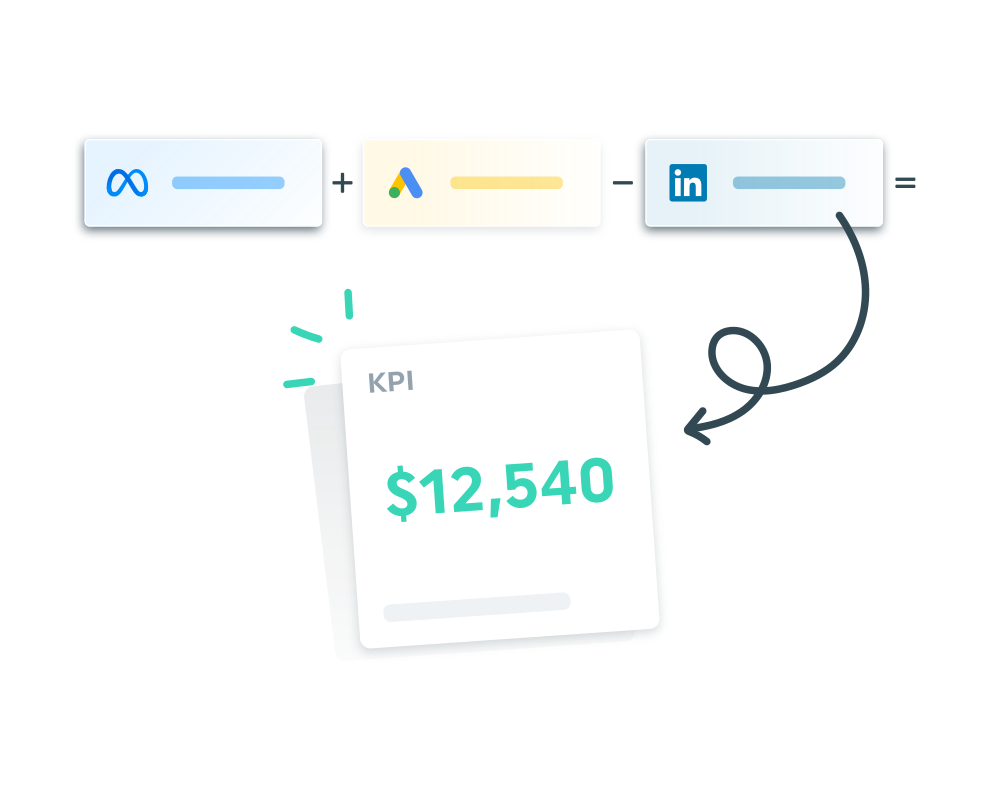
We're excited to introduce Calculated Widgets, now available for all Dashthis clients!
Not every metric you need fits in a cookie cutter. Sometimes the number you’re actually looking for is a combination of two, three, or even four data points pulled from different platforms.
This new feature is all about giving you the flexibility to build the metrics your reports actually need, rather than working around the ones that already exist.
What's in it for you
Calculated Widgets let you combine metrics from different integrations into a single value using simple math operations: addition, subtraction, multiplication, and division.
That means you can finally report on things like:
- Blended ROAS across Google Ads and Meta in one number
- Total leads from multiple sources combined
- Custom efficiency ratios unique to your client's business
- Any cross-platform metric your current tools don't support natively
Instead of exporting data, pulling it into a spreadsheet, and doing the math manually every single month, your dashboard does it for you automatically.
How it works
Building a Calculated Widget is straightforward. From your dashboard, click Advanced Widget, choose your widget style, and start adding metrics from any of your connected integrations. Then apply the operators you need (+, -, *, /) to build your formula, repeat as needed to complete your calculation, and hit Create widget.
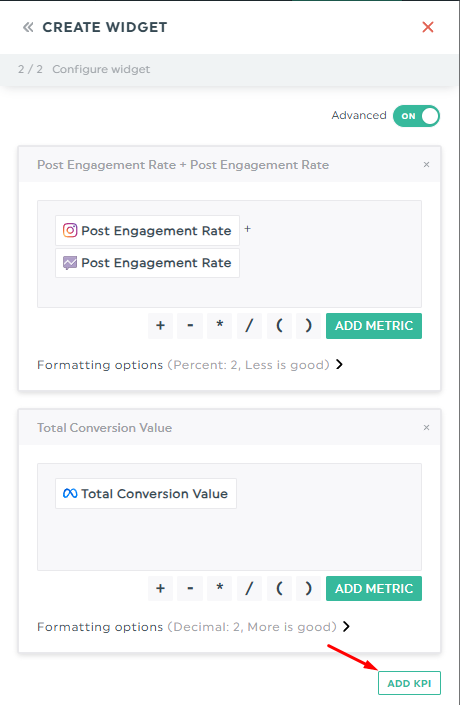
Your widget will now display the calculated KPI. 🎉
You can also customize how each KPI is displayed with formatting options like integer, decimal, percent, money, or time. And with the fluctuation type, you can tell DashThis whether a rising or falling number is a good thing, so trends are always interpreted correctly.
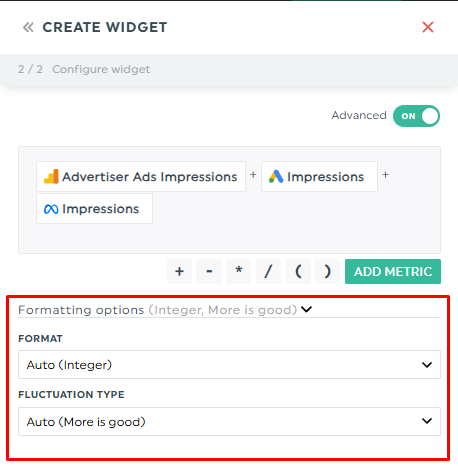
For Trend and Multi-Column List widgets, you can even stack multiple Calculated Widgets side by side, each with its own formula, to compare custom metrics in a single view.
*** A note on the beta
Because Calculated Widgets is still in active development, there are a few current limitations to be aware of, for example: "Save as Template" works, but all integrations used in the formula need to be reconnected when the template is applied
We're actively working through these, and updates are on the way. 🚀
Try it today
If you've ever found yourself doing manual math just to get the one number your client actually cares about, Calculated Widgets can definitely help.
As always, we'd love to hear what you think. Your feedback directly impacts how this feature evolves, so don't hesitate to share your ideas with Amélie, our product UX/UI designer.
Happy reporting!

Read More

Don’t miss out!
Follow us on social media to stay tuned!


Automate your reports!
Bring all your marketing data into one automated report.
Try dashthis for free