How to Use AI to Write Your Monthly Client Reports
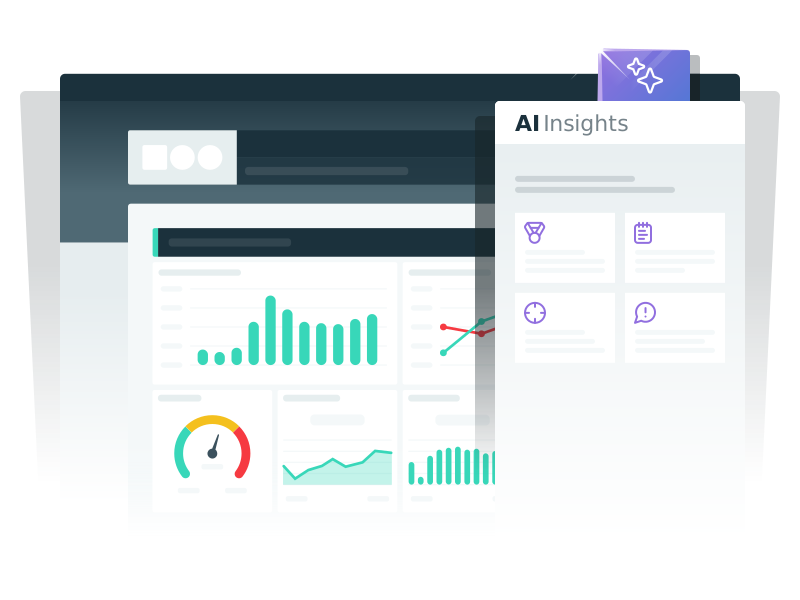
TL;DR: The fastest way to use AI for monthly client reports is to pair an automated Dashthis dashboard with AI Insights. The dashboard pulls your data sources and KPIs into one place in real-time. AI Insights then generates AI-generated summaries and client-ready insights of your key metrics.
If you work at a marketing agency and have to do monthly reporting, you know the drill. Every month: pulling numbers from different platforms, copy pasting them into a spreadsheet, building charts, writing what it all means, and sending it over to your client. Client reporting is one of the most time-consuming parts of agency life, and it eats into the hours you'd rather spend on strategy and creative work.
The good news? AI has made monthly reports faster to produce. Between AI tools that can run data analysis in seconds and platforms that automate the reporting process, you can cut hours off every client report without sacrificing quality. Here's how to actually use AI to write your monthly client reports, step by step.
Why monthly client reports eat up so much of your week
Before we talk about AI tools, let's name the real problem. Most agencies lose the majority of their reporting hours to three things:
-
Data collection. Hunting down CSV exports, logging into every platform, and consolidating numbers from Google Analytics, Social platforms, Meta Ads and half a dozen other data sources.
-
Formatting. Building charts, and making the data visualization look clean enough to send to a paying client.
-
Report writing. Translating datasets into an executive summary that explains what happened and why it matters, and what’s next.
Manual reporting hits all three of these pain points every single month. That's why the shift toward AI reporting and automated reporting has been such a win for marketers.
Step 1: Start with an automated dashboard
Before you bring AI into the mix, you need a solid foundation. The biggest time sink in report writing isn't the writing itself, it's the data collection.
This is where an automated dashboard becomes a game changer. With Dashthis, you can connect all your data sources in a few clicks and pull every KPI into one place. You pick a preset template for the client's industry, drag in the performance metrics that matter, and your dashboard updates in real-time from that point on. No more manual reporting. No more chasing exports across platforms.
A few things to build into your dashboard setup:
-
One dashboard per client, with templates tailored to their goals
-
The right data sources connected (analytics, ads, ecommerce, social)
-
Key metrics grouped so clients can scan better
-
A consistent formatting layout across clients so your team moves faster
Once this is live, every monthly report starts with clean, up to date data already pulled and visualized. That alone saves four or five hours per client per month.
Step 2: Let AI Insights summarize what the numbers mean
Here's where things get really interesting.
Having a dashboard full of visualizations is great, but clients don't just want charts. They want to know what's working, what isn't, and what you're doing about it.
That's exactly why Dashthis AI Insights was built. It reads your dashboard and generates AI-generated summaries of your key metrics in plain language. It highlights trends, flags anomalies, and surfaces the data points that deserve a closer look. Instead of squinting at a bar chart trying to figure out why conversions dipped, you get an AI-powered read of what's actually happening across your campaigns.
Think of it as having an AI assistant embedded right inside your dashboard. It doesn't replace your analysis, but it gives you a running start. Take the AI-generated summary, tweak it to match your agency's voice, add your strategic commentary, and drop it into the report.
Ready to stop copy pasting numbers into spreadsheets?
The full AI-powered reporting workflow
Here's a simple workflow you can steal and reuse across every client:
-
Set up one automated Dashthis dashboard per client, using templates that match their goals
-
Connect all relevant data sources (Google Analytics, Meta Ads, HubSpot, your CRM, etc.)
-
Let the dashboard refresh automatically with real-time data
-
Use AI Insights to generate an executive summary and flag the most important trends
-
Review the AI output, add your strategic commentary, and adjust formatting to fit client preferences
-
Export the finished report as a PDF or share a live dashboard link
Manual reporting vs AI reporting: the real impact
| Task | Manual Reporting | AI Reporting with Dashthis |
|---|---|---|
| Pulling data from sources | 2 to 3 hours | Minutes (automated) |
| Building charts and visuals | 1 to 2 hours | Included in the dashboard |
| Writing the executive summary | 1 to 2 hours | 10 to 15 minutes with AI Insights |
| Formatting for the client | 45 minutes | Near zero with templates |
| Total per client per month | 5 to 8 hours | Under 1 hour |
Tips for getting the most out of AI reporting
AI tools are powerful, but they are not magic. A few things to keep in mind:
Treat AI output as a first draft. Generative AI is great for summaries, but your judgment still matters. Read every AI-generated paragraph and make sure it reflects what you actually want to tell your client.
Feed it good data. Whether you're using AI Insights or pasting numbers into a chatbot, the quality of the output depends on the quality of the data going in. Clean datasets in means useful summaries out.
Focus AI on the right tasks. AI is excellent at summarizing, spotting patterns, and suggesting optimizations. It's less useful for strategic decision-making. Use it for the heavy lifting on data analysis, and save your brain for the parts that require real client context.
Standardize across your team. Build a shared template library so every account manager produces reports that look and sound consistent, no matter who's behind the keyboard.
Wrapping up
AI isn't going to replace client reporting anytime soon, but it is changing how agencies approach it. By pairing automated dashboards with AI insights, you can turn what used to be a two day ordeal into a one hour task. Your clients get sharper reports. Your team gets their evenings back. Everybody wins.
If you haven't built out automated dashboards yet, that's step one. Start your free Dashthis trial, connect your data sources, and let AI Insights handle the heavy lifting on your next monthly report.

Read More

Don’t miss out!
Follow us on social media to stay tuned!


Automate your reports!
Bring all your marketing data into one automated report.
Try dashthis for free