Top 10 Marketing Analytics Software Tools for Marketers

How many tools do you use in your marketing technology stack?
Whatever the number, you're probably not alone in finding them hard to manage together. More than half of marketers say integration challenges have actively held them back from adopting new tools. And when your data lives in five different platforms that don't talk to each other, the problem isn't a lack of information. It's that getting to it takes forever.
Every week, that looks like logging into each platform separately, exporting data, dumping it into a spreadsheet, cleaning it up, and then finally trying to make sense of it all. By the time you're done, you've spent hours on data wrangling instead of actual analysis.
Doesn’t it sound exhausting?
That's where marketing analytics platforms come in.
What is a marketing analytics software?
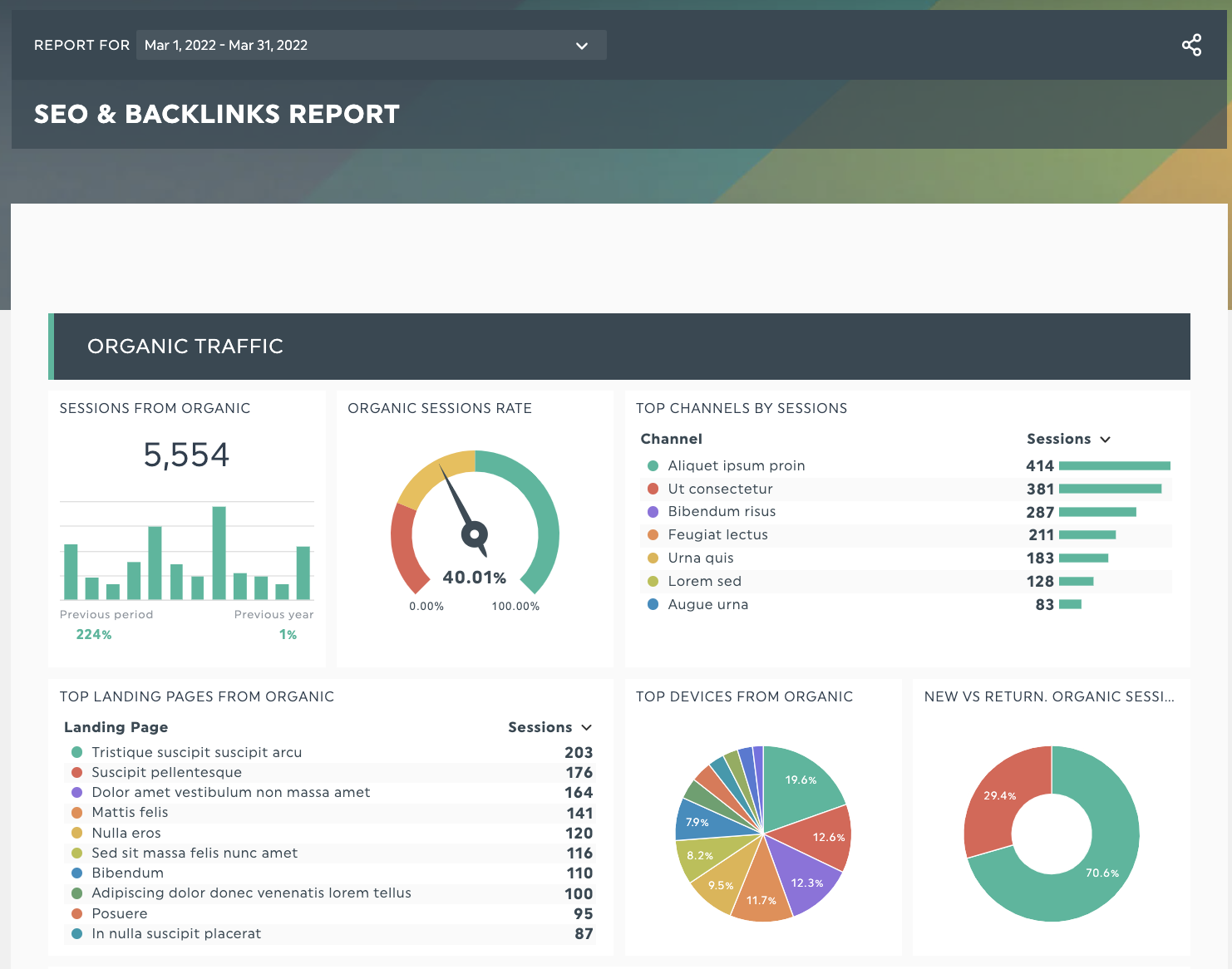
A sample report from a marketing analytics platform like DashThis. Try it with your data!
Marketing analytics software is a category of tools that help marketing teams collect, consolidate, and analyze data from multiple channels in one place. Instead of jumping between platforms to piece together a picture of your performance, these tools bring everything into a single view so you can focus on what the data is actually telling you.
At its core, good marketing analytics software should help you answer three questions:
- Which marketing initiatives are working and deserve more investment?
- Which ones aren't delivering results and should be cut or adjusted?
- What gaps or opportunities are you not yet acting on?
The right tool for your team depends on your use case. Some platforms are built for reporting and client-facing dashboards. Others are better suited for deep data exploration, product analytics, or tying marketing performance to revenue. We've covered all the main categories below.
Top 10 marketing analytics software for marketers
We’ll identify some core features and strengths for each analytics solution listed here and how it integrates with your existing martech stack.
Ready? Let’s dive in!
DashThis
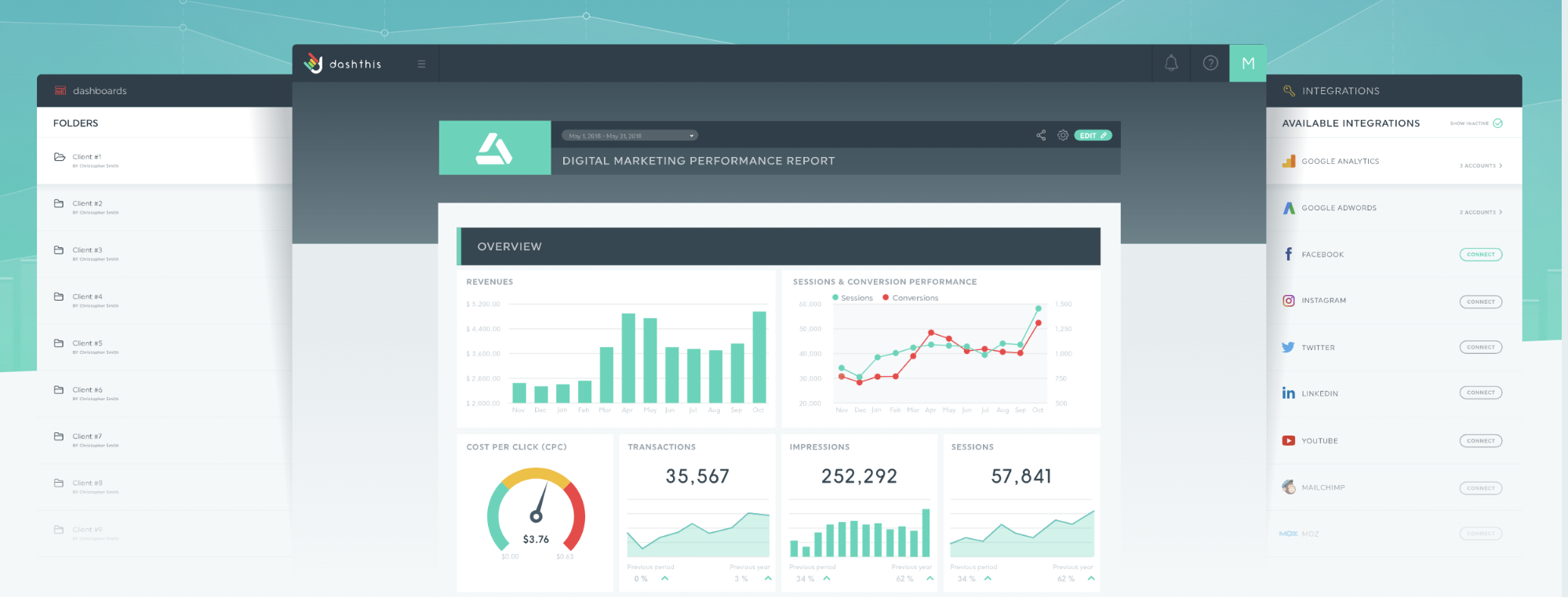
DashThis is a self-service marketing reporting tool built for agencies and marketing teams that need to consolidate data from multiple sources into clean, shareable dashboards. The main value proposition is speed: instead of building reports manually each month, DashThis pulls data automatically from your connected integrations and updates your dashboards in real time.
Where DashThis stands out is in its ease of use. You don't need a data analyst or technical setup to get started. A library of pre-built report templates covers the most common use cases out of the box, including SEO, PPC, social media, and email, so you can go from zero to a client-ready dashboard in minutes. You can also white-label everything, which is particularly useful if you're an agency presenting reports under your own brand.
Best for: Marketing agencies, freelance marketers, and in-house teams at small to mid-size businesses who need fast, automated, client-friendly reporting.
Key features:
- Automated data refresh from 34+ integrations
- White-label dashboards and custom branding
- Pre-built templates for every major marketing channel
- Easy drag-and-drop dashboard builder
- Shareable report URLs and PDF exports
Pricing: Starts from $44/month, with a 14-day free trial included
Integrations: 30+ integrations including Google Analytics, Google Ads, Facebook Ads, LinkedIn, HubSpot, Mailchimp, and more.
Google Analytics

Google Analytics is the most widely used web analytics platform in the world, and for good reason: it's free, it's powerful, and it integrates natively with the rest of the Google ecosystem. For most marketers, it's the first tool they set up and the one they check most often.
The current version, GA4, is built around an event-based data model, which gives you more flexibility in tracking user behavior across websites and apps compared to its predecessor. You can analyze traffic sources, audience demographics, conversion paths, landing page performance, and much more without spending a cent.
That said, GA4 has a steeper learning curve than older versions, and the reporting interface is less intuitive for non-technical users. It also has data sampling limitations on the free tier for high-traffic sites. For teams that want to pull GA4 data into cleaner, more shareable reports, connecting it to a reporting tool like DashThis is a common approach.
Best for: Anyone who needs to understand website traffic, audience behavior, and conversion performance, from solo bloggers to enterprise marketing teams.
Key features:
- Event-based tracking across web and app
- Audience segmentation and demographic reporting
- Attribution modeling and conversion tracking
- Integration with Google Ads, Search Console, and Looker Studio
- Free exploration reports for custom analysis
Pricing: Free
Integrations: Installs on any website or app via a tracking code. Integrates natively with Google Ads, Search Console, and Google Data Studio, plus hundreds of third-party tools.
Looker Studio
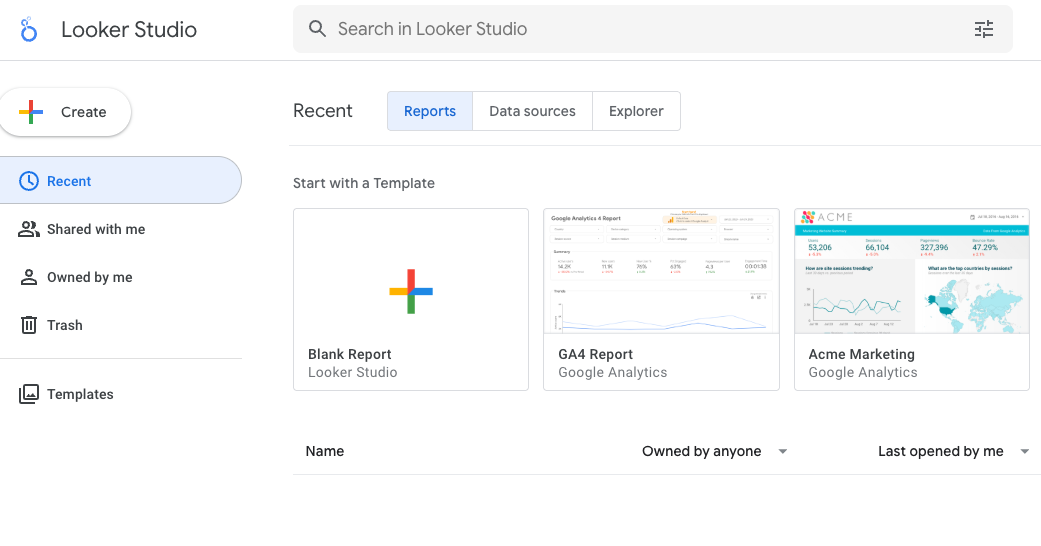
Looker Studio (formerly Google Data Studio) is Google's free data visualization and reporting platform. It lets you connect to data sources, build interactive dashboards, and share reports with anyone, all without spending a cent on the core product.
For marketers already working in the Google ecosystem, Looker Studio is an obvious starting point. It connects natively to Google Analytics 4, Google Ads, Google Search Console, BigQuery, and Google Sheets, which means you can pull all your Google channel data into a single report without any third-party connectors. The drag-and-drop report builder is intuitive enough for non-technical users, and the template gallery gives you a solid head start for the most common reporting use cases.
Where Looker Studio falls short is outside the Google ecosystem. Connecting to platforms like Facebook Ads, LinkedIn, or HubSpot typically requires paid third-party connectors, which adds up quickly if you're managing a multi-channel marketing program. The platform also struggles with larger or more complex datasets, and it lacks some of the polish and automation features that purpose-built reporting tools offer.
That said, many marketing teams use Looker Studio alongside a dedicated reporting tool like DashThis: Looker Studio for ad hoc Google-channel analysis, and DashThis for consolidated multi-channel client reporting that needs to look professional and update automatically.
Best for: Marketing teams and analysts who primarily work within the Google ecosystem and need a free, flexible tool for building custom reports and visualizations.
Key features:
- Free to use with no limits on reports or data sources (within Google's native connectors)
- Native connectors for GA4, Google Ads, Search Console, BigQuery, and Google Sheets
- Drag-and-drop report builder with interactive filters and date controls
- Data blending to combine multiple sources in one report
- Shareable reports via link, with viewer or editor access controls
- Looker Studio Pro (around US$10/user/month) adds Gemini AI features and enhanced collaboration
Pricing: Free for core functionality. Looker Studio Pro starts at approximately US$10 per user per month.
Integrations: 1,000+ data source connectors available, including native Google integrations and third-party paid connectors for platforms like Facebook Ads, LinkedIn, Shopify, and more.
SEMRush

Semrush is a marketing analytics platform focused primarily on search: SEO, paid search, and content performance. If you need to understand how your site ranks for keywords, where your competitors are getting their traffic, or how to improve your content strategy, Semrush is one of the most comprehensive tools available.
Beyond keyword research and backlink analysis, Semrush has expanded into a broader marketing suite that includes social media scheduling, content optimization, local SEO, and competitive intelligence. This makes it a strong option for marketing teams that want a single tool covering both research and execution for search and content channels.
The tradeoff is cost. Semrush is one of the pricier options on this list, and some of its more advanced features are locked behind higher-tier plans. For teams whose primary analytics needs go beyond SEO and content, it may be more tool than necessary.
Best for: SEO professionals, content marketers, and digital agencies that need deep competitive and search analytics.
Key features:
- Keyword research and rank tracking
- Site audit and technical SEO analysis
- Competitor traffic and backlink analysis
- Content optimization and topic research
- Social media and PPC analytics
Pricing: Starts from $139.95/month with a free trial available
Integrations: Integrates with Google Analytics, Google Ads, Google Search Console, major social media platforms, WordPress, Zapier, and Trello.
HubSpot Marketing Hub
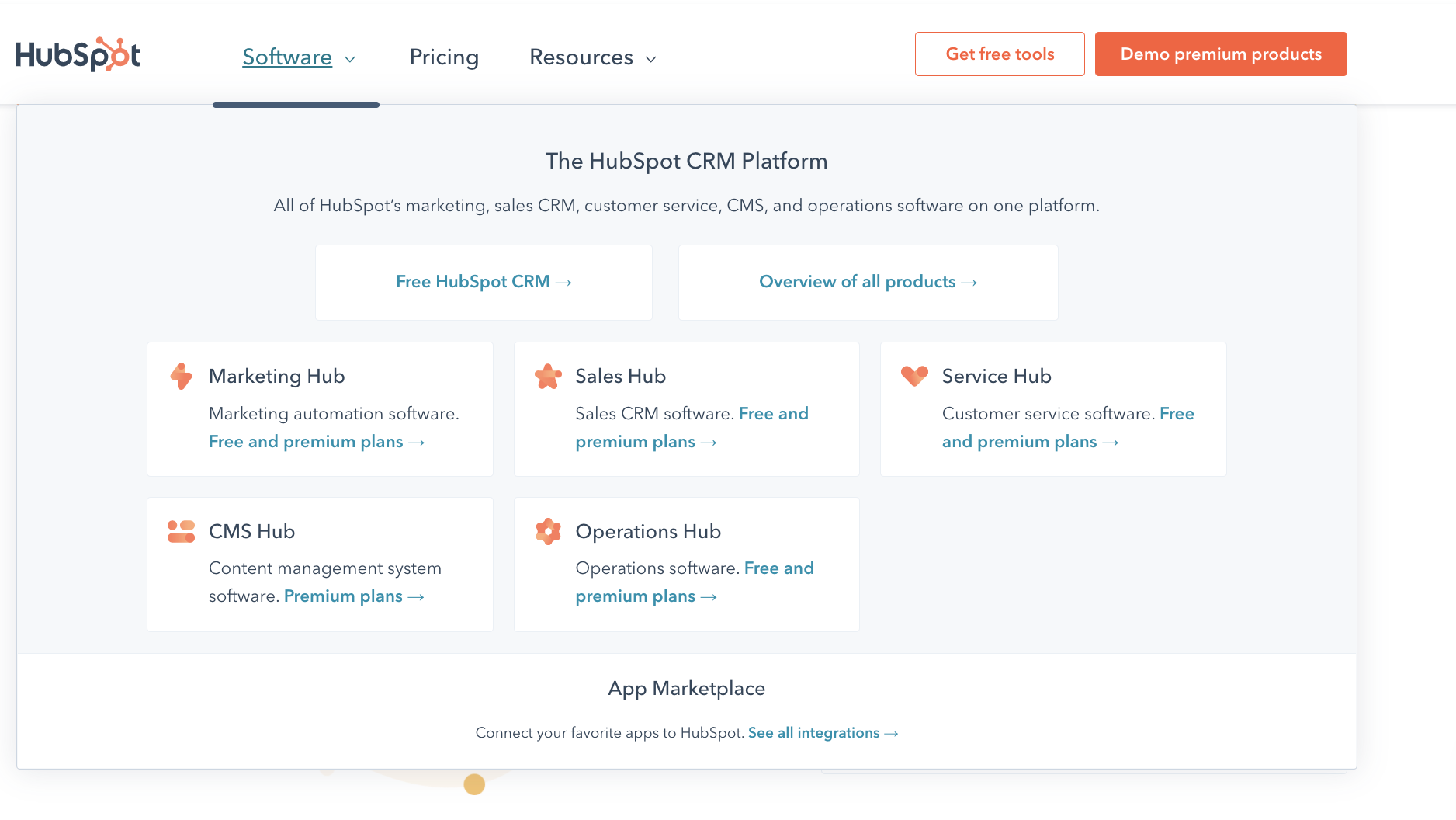
HubSpot is best known as a CRM platform, but its Marketing Hub is a capable marketing analytics tool in its own right, particularly for teams that want their marketing data and customer data to live in the same place. Because HubSpot connects marketing activity directly to contact records and deals, you can track how a lead moved from a blog post to a demo request to a closed customer, which most standalone analytics tools can't do.
The reporting dashboards are user-friendly and come with a solid library of pre-built reports covering email performance, landing pages, traffic sources, and campaign attribution. Custom report builders are available on higher-tier plans for more advanced analysis.
Where HubSpot shines is in teams where marketing, sales, and support all work from the same platform. If your team is already in HubSpot's CRM ecosystem, the Marketing Hub is a natural fit. If you're not, the cost of the full suite can be hard to justify for analytics alone.
Best for: Sales and marketing teams at SMBs and mid-market companies that want a unified view of the customer journey from first touch to closed deal.
Key features:
- Campaign performance and attribution reporting
- Email and landing page analytics
- Contact and lead source tracking tied to CRM data
- Custom dashboards and report builder
- Traffic analytics and SEO recommendations
Pricing: Pricing plans dependent on tier and number of marketing contacts
Integrations: HubSpot's app marketplace includes over 1,500 integrations across marketing, sales, analytics, and operations tools.
Tableau

Tableau is a business intelligence and data visualization platform used across industries, not just marketing. It's built for organizations that need to analyze large, complex datasets and turn them into visual reports that non-technical stakeholders can understand and act on.
For marketing teams, Tableau is most valuable when you need to go beyond what purpose-built marketing tools offer: custom data blending from multiple sources, advanced statistical analysis, or building executive-level dashboards that pull from your data warehouse alongside your marketing platforms.
Best for: Enterprise marketing teams and data analysts who need advanced BI capabilities, custom data modeling, and cross-functional dashboards.
Key features:
- Drag-and-drop data visualization builder
- Connects to databases, cloud systems, and flat files
- Advanced calculated fields and statistical functions
- Shareable dashboards and embedded analytics
- Integration with Salesforce data (native, as Salesforce owns Tableau)
Pricing: Multiple pricing tiers are available depending on the number of users per month
Who would find Tableau helpful: Enterprise-level companies needing big data analytics
Integrations: Hundreds of native connectors for databases, cloud platforms, and file types including Salesforce, Google Analytics, AWS, and more.
Adobe Analytics
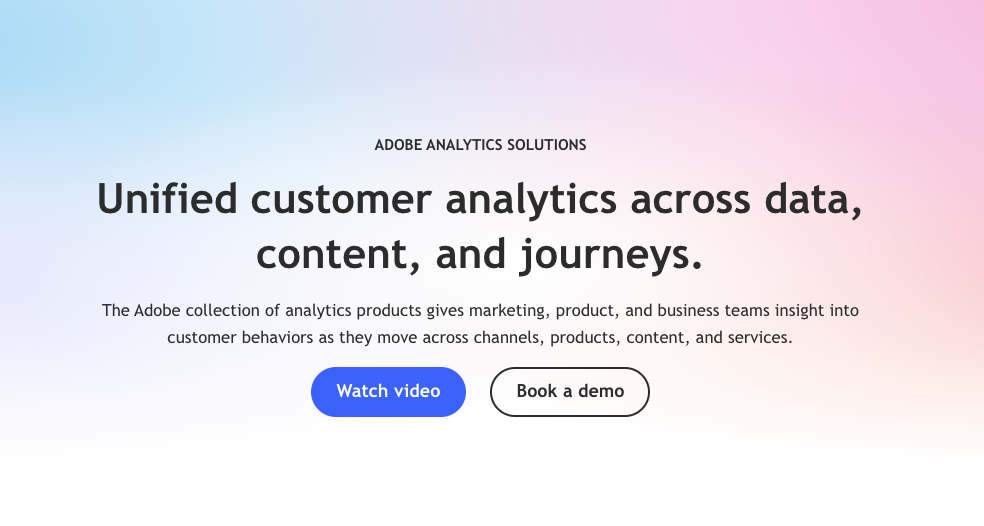
Adobe Analytics is one of the most powerful enterprise-grade analytics platforms on the market. Part of the Adobe Experience Cloud, it goes well beyond standard web analytics to give large organizations a deep, granular view of customer behavior across digital touchpoints including websites, mobile apps, and connected devices.
Where Adobe Analytics stands apart from tools like Google Analytics is in the depth of its data processing. It handles unsampled data at scale, which matters for high-traffic enterprise sites where sampled data can lead to inaccurate conclusions. Its segmentation capabilities are particularly advanced, letting analysts build complex audience segments and apply them retroactively to historical data without needing to re-implement tracking.
The platform also integrates natively with the rest of the Adobe Experience Cloud, including Adobe Target for A/B testing and personalization, and Adobe Campaign for cross-channel marketing automation. For organizations already invested in that ecosystem, the integration value is significant.
The tradeoff is accessibility. Adobe Analytics has a steep learning curve, typically requires dedicated analysts or a professional services engagement to implement correctly, and carries an enterprise price tag that puts it out of reach for most small and mid-size teams. It is genuinely built for large organizations with complex data needs and the budget to match.
Best for: Enterprise marketing and analytics teams at large organizations that need unsampled data, advanced segmentation, and deep integration with the broader Adobe Experience Cloud.
Key features:
- Unsampled data collection and processing at scale
- Advanced segmentation with retroactive application
- Real-time analytics and anomaly detection
- AI-powered predictive analytics and attribution modeling
- Native integration with Adobe Target, Adobe Campaign, and Adobe Experience Manager
- Customer Journey Analytics for cross-channel journey analysis
Pricing: Custom pricing based on data volume and business needs. Estimated to start around US$2,000/month for most organizations, with enterprise deployments often exceeding US$100,000/year. Contact Adobe directly for a quote.
Integrations: Integrates natively with the full Adobe Experience Cloud suite, as well as third-party tools like Salesforce, Google Analytics, Microsoft Dynamics, and major data warehouses.
Sprout Social
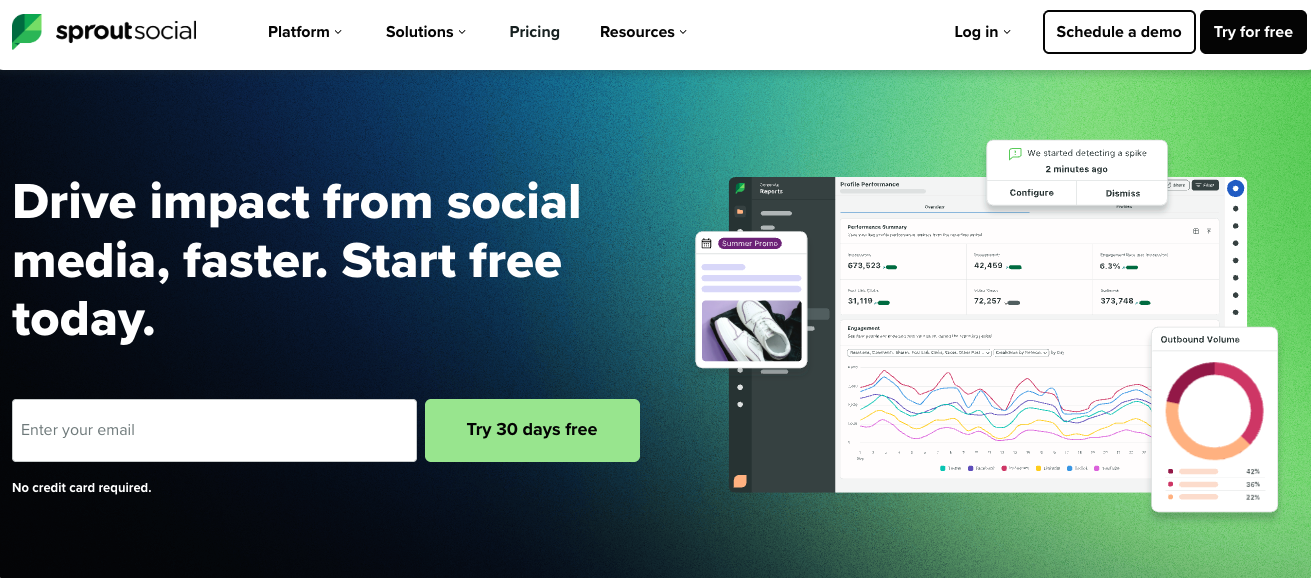
Sprout Social is a social media management platform that combines publishing, engagement, and analytics in one tool. If social media is a significant part of your marketing mix and you need to track performance across multiple channels in one place, Sprout Social is one of the most comprehensive options available.
Its analytics capabilities go well beyond basic metrics. You can track performance across Facebook, Instagram, LinkedIn, X (formerly Twitter), Pinterest, and TikTok in one unified view, with breakdowns by post type, content format, audience demographics, and campaign tags. The reporting is clean and shareable, making it well-suited for teams that need to present social performance to clients or leadership. A Premium Analytics add-on unlocks deeper customization, including custom dashboards, advanced filtering, and paid vs. organic performance breakdowns.
What makes Sprout Social distinct from general-purpose marketing analytics platforms is that it also covers the operational side of social media: content scheduling, inbox management, approval workflows, and social listening. This means your analytics and your execution live in the same platform, which reduces the need for separate tools.
The main limitation is cost. Pricing starts at $199 per user per month, which adds up quickly for larger teams, and advanced analytics features are locked behind higher-tier plans or paid add-ons.
Best for: Marketing teams and agencies that manage multiple social media accounts and need robust analytics alongside scheduling, engagement, and social listening in a single platform.
Key features:
- Unified analytics across all major social platforms
- Post performance tracking by content type, format, and campaign
- Competitor benchmarking and audience insights
- Social listening for brand monitoring and sentiment analysis
- Premium Analytics add-on for custom dashboards and advanced filtering
- Integrates social analytics with publishing, inbox, and approval workflows
Pricing: Starts at US$199 per user per month. A 30-day free trial is available. Premium Analytics and social listening are available as paid add-ons.
Integrations: Integrates with Google Analytics, Salesforce, HubSpot, Marketo, Zendesk, Slack, and major social platforms including Facebook, Instagram, LinkedIn, X, Pinterest, and TikTok.
Mixpanel
Mixpanel’s self-serve analytics platform focuses on SaaS products, allowing product managers and product marketers to get granular visibility on product user behavior and improve retention rates or conversion rates to forecast product roadmap decisions.
Pricing: Free plan available. Paid plans start from US$25/month.
Who would find Mixpanel helpful: Product marketers and product owners of SaaS products
Integrations: Multiple integrations available in their integrations directory
Amplitude
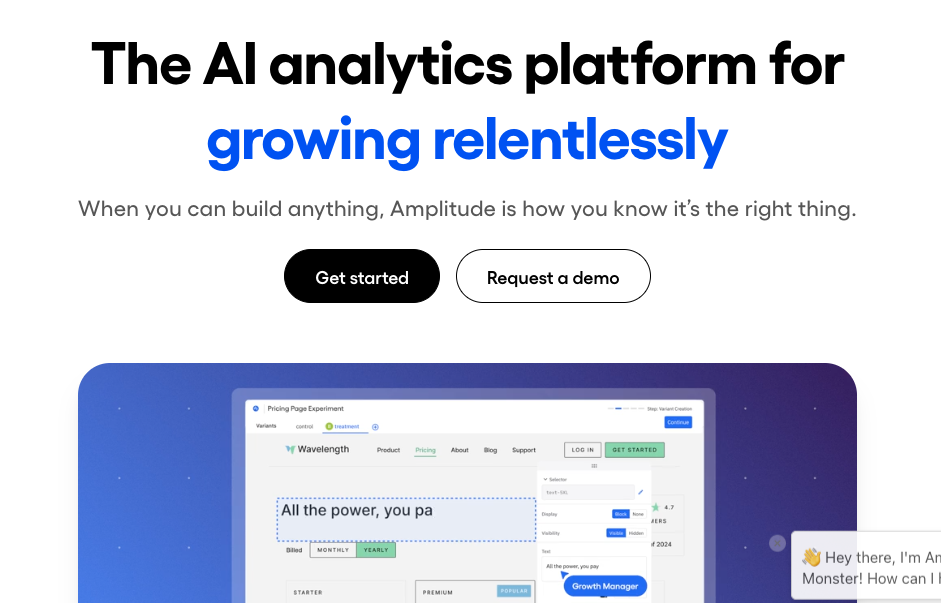
Amplitude is a product analytics platform built to help teams understand how users behave inside their digital products. Where most marketing analytics tools focus on acquisition and campaign performance, Amplitude focuses on what happens after someone becomes a user: how they navigate your product, which features they adopt, where they drop off, and what behaviors predict long-term retention.
For SaaS companies, e-commerce platforms, and mobile app businesses, this kind of data is essential. Amplitude's event-based tracking lets you define any user action as an event and then analyze how those events connect to outcomes like conversion, activation, and retention. Its funnel analysis, cohort analysis, and behavioral segmentation tools are among the most advanced in the product analytics space.
Beyond analytics, Amplitude has expanded into a broader platform that includes A/B testing and feature flagging (via Amplitude Experiment), session replay, and customer data activation. This makes it increasingly useful as a full product intelligence platform, not just an analytics tool.
It's worth noting that Amplitude and Mixpanel cover similar ground. Amplitude tends to be preferred by larger teams and enterprise companies, partly due to its stronger governance and experimentation features, while Mixpanel is often seen as more accessible and affordable at smaller scale.
Best for: Product managers, growth teams, and product marketers at SaaS companies, e-commerce platforms, and mobile app businesses who need deep behavioral analytics to improve product experience and retention.
Key features:
- Event-based funnel and conversion analysis
- Cohort analysis and retention tracking over time
- Behavioral segmentation across any combination of user properties and events
- A/B testing and feature flagging via Amplitude Experiment
- Session replay for qualitative context alongside quantitative data
- Data warehouse integrations for teams working with centralized data infrastructure
Pricing: Free Starter plan available for small teams (up to 1,000 monthly tracked users). Paid plans start at $49/month for the Plus plan, with Growth and Enterprise plans available on custom pricing based on monthly tracked user volume.
Integrations: Integrates with Segment, Salesforce, HubSpot, Braze, Mixpanel, Google Analytics, major data warehouses (Snowflake, BigQuery, Redshift), and more via their integrations catalog.
How to choose the right marketing analytics platform
The right marketing analytics software depends on two things: what you actually need to measure, and who needs to use the results.
A few questions worth asking before you decide:
What's your primary use case? If you need to consolidate data from multiple channels into clean, automated reports, that's a different problem from tracking in-app user behavior or monitoring social media performance. Most of the tools on this list do one thing really well. Very few do everything well.
Who will be using it? A platform that requires a dedicated data analyst to operate is a poor fit for a small marketing team that just needs to pull a monthly report. Ease of use matters as much as feature depth, especially if reports need to be created regularly or shared with clients.
How technical is your setup? Tools like Adobe Analytics and Tableau are powerful, but they require significant technical expertise to implement and maintain. If your team doesn't have that capacity in-house, you'll spend more time managing the tool than getting value from it.
Do you need to report on one channel or many? Sprout Social is excellent for social media analytics but won't tell you much about your paid search performance. Semrush is invaluable for SEO but won't show you your email metrics. If you're running campaigns across multiple channels and need to see everything in one place, you need a multi-channel reporting tool rather than a channel-specific one.
What's your budget? The range here is wide. Google Analytics and Looker Studio are free. DashThis starts at $42/month. Semrush starts at $139.95/month. Adobe Analytics can run into six figures annually. The most expensive tool is rarely the right one for your situation, but the cheapest tool that doesn't solve your actual problem isn't a bargain either.
In practice, most marketing teams end up using two or three of these tools in combination. A common setup looks something like this: Google Analytics for website and audience data, a channel-specific tool like Semrush or Sprout Social for deeper analysis in a particular area, and a consolidated reporting tool like DashThis to bring everything together into dashboards you can actually share with clients or stakeholders.
The goal isn't to find one tool that does everything. It's to build a stack where every tool earns its place, and where your data isn't scattered across ten platforms you have to check separately.
Find the right marketing analytics software for your team
The tools on this list cover a wide range of needs, from free entry-level platforms to enterprise-grade analytics suites. What they all have in common is that they exist to solve the same underlying problem: marketing generates a lot of data, and making sense of it manually is slow, exhausting, and prone to error.
The right platform removes that friction so you can spend your time on actual analysis instead of collecting and formatting data.
If you're looking for a fast, easy way to consolidate your marketing data into automated, client-ready reports, try DashThis free for 15 days. No setup headaches, no technical expertise required, just beautiful dashboards that update themselves.

Ready to automate your reporting?
Read More

Don’t miss out!
Follow us on social media to stay tuned!


Automate your reports!
Bring all your marketing data into one automated report.
Try dashthis for free