The DashThis MCP Connector Is Live: Connect Claude and ChatGPT to Your Dashboards
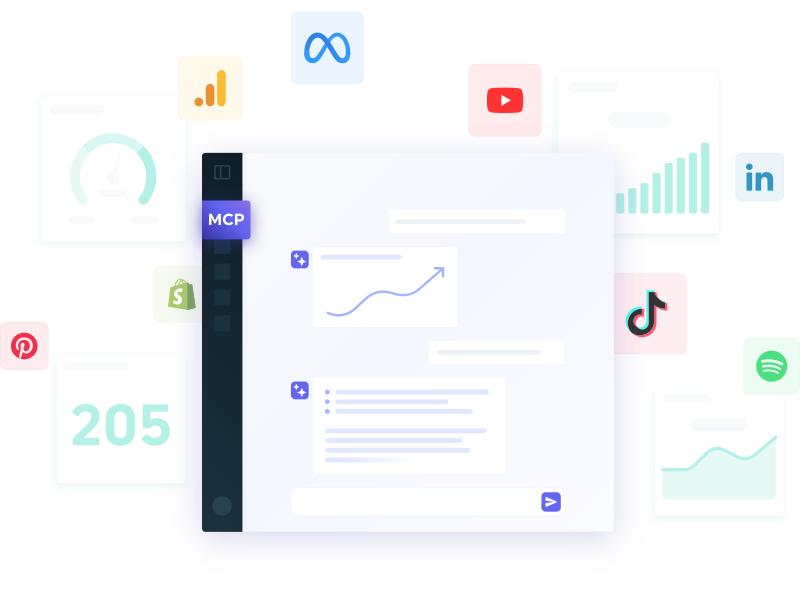
In our last survey, 3 out of 4 of you admitted the same thing: you're exporting PDFs, screenshotting your dashboard, or copy-pasting numbers by hand just to get your DashThis data into ChatGPT or Claude.
One of you put it bluntly: "I have to send screenshots to Claude, because my Chrome connector doesn't work with DashThis."
Fair. We heard that one a lot. So we're happy to announce :
The DashThis MCP connector is live. 🎉
Connect Claude or ChatGPT straight to your dashboards. Log in with your regular DashThis account (no API key to manage), ask your question in plain English, and get an answer pulled from your live data. No export, no screenshot.
Why this is different from just asking your AI
Ask ChatGPT how a client's SEO is doing and you'll get a confident guess. It doesn't know their actual numbers, their targets, or what happened three months ago, so guessing is all it can do.
The connector hands your AI the same validated, calculated data that already powers your client reports. Same metric definitions, same history, same numbers your clients see in their dashboard. And because DashThis was built for agencies juggling many clients, your AI sees all of them through a single connection, but each one isolated from the others.
What you can do with the DashThis MCP connector
You can ask your AI tools just about any thing while reading your reports. But here are some concret examples:
- "What dashboards do I have?" List and search dashboards across all your clients.
- "Pull last month's numbers for the Acme dashboard." Read a dashboard's current widget values for any preset reporting period.
- "How does that compare to the previous period?" Period over period or year over year, calculated for you.
- "Draft a recap email for this client." Turn the numbers into a client-ready update, in your tone.
- "Which dashboards have a broken data source?" Spot connection errors across the whole account in one question.
What it can't do (yet)
Your AI tools can look at your dashboards. It can't touch them. No creating, editing, deleting, sending, or scheduling anything in your DashThis account. It reads the data already present on your dashboards' widgets, and it doesn't reach back into the source platforms for anything that isn't on a widget.
That's not a limitation we're apologizing for. It's a decision. We built "look" before we built "touch," on purpose, and your feedback is what will get us to the next steps.
Your reporting keeps running on its own
Nothing changes about the part your clients see. Dashboards keep refreshing, reports keep going out on schedule, branded and automated, whether you're chatting with your AI or lying on a beach.
How to connect, in about a minute
In Claude:
- Open Claude on the web or in the desktop app.
- Go to Customize, then Connectors.
- Search for DashThis and click Connect to Claude.
- Authorize the connection.
- Start asking about your dashboards.
See the full Claude setup guide
In ChatGPT:
- Enable developer mode.
- Go to your connector settings.
- Add the DashThis MCP connector.
- Follow the authorization flow.
- Start asking about your data.
See the full ChatGPT setup guide
Using another MCP compatible tool? Tell us which one and we'll prioritize accordingly.
Try it today
The DashThis MCP connector is available to all DashThis customers and free trial users, as long as you have at least one dashboard created. It's included in your plan.
Connect your AI assistant now and then tell us what you'd want it to do next!
Happy reporting!

Read More
Don’t miss out!
Follow us on social media to stay tuned!


Automate your reports!
Bring all your marketing data into one automated report.
Try dashthis for free